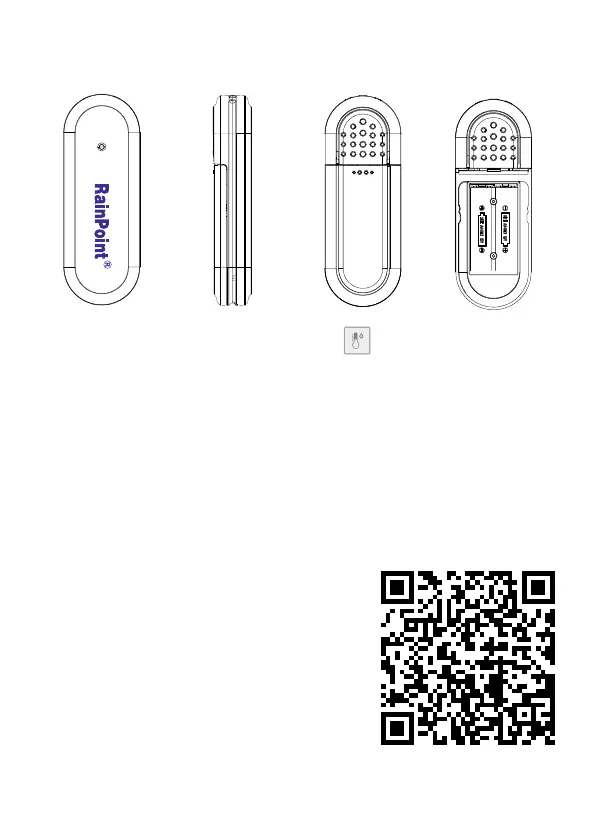
1. Find "Air Humidity Sensor"or the icon to add HCS014ARF
Outdoor Thermo-Hygrometer Sensor when adding sub-devices.
2. Select "Next" and sta searching devices. At the same time, inse
the batteries, and then the red indicator will quickly blink once.Please
make sure the APP is already in searching before power on the sensor.
3. Keep the timer and the hub close to each other, and they will connect
automatically.
4. After successfully connecting, the detected data will display in right
side of the hub’s screen under "SENSOR".
3.4 HCS014ARF Outdoor Thermo-Hygrometer Sensor
- 23 -
Tips:
If you need more detail information about
the operation, please scan the QR code or
search the link to access the video to check
the device quickly and easily.
Setup Video:
https://www.youtube.com/watch?v=fRiQhy-
CqOwg


 To Next Page