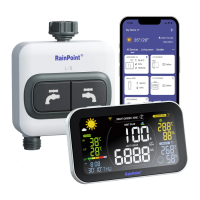
To assure your display hub to connect to Wi-Fi, it will need to meet the
following requirements:
• Please make sure the phone is connecting with 2.4GHz Wi-Fi before
using HOMGAR app. The hub has to keep staying under 2.4GHz
Wi-Fi to work normally.
• When to sta and keep Wi-Fi connection, please keep the power
cable on to make sure the hub works normally. Batte is just for
back up.
• IOS Requirements: Mobile device with iOS 11.0 (or higher) with
cellular or Wi-Fi seice.
• Android Requirements: Mobile device with Android OS 6.0 (or higher)
with cellular or Wi-Fi seice
• Please do not use public Wi-Fi networks.
• The hub and device are better to be within 10 feet (3m) during pairing.
• If you need to change the working Wi-Fi network, press and hold Wi-Fi
button and recenter your new Wi-Fi information on the APP.
2.1.2 Before Connection
- 05 -


 To Next Page
 Loading...