-
36 -
It is optional for STA.
Progress Bar
Display rate of progress from Start to Connected status.
Status Bar
Display currently WPS Status.
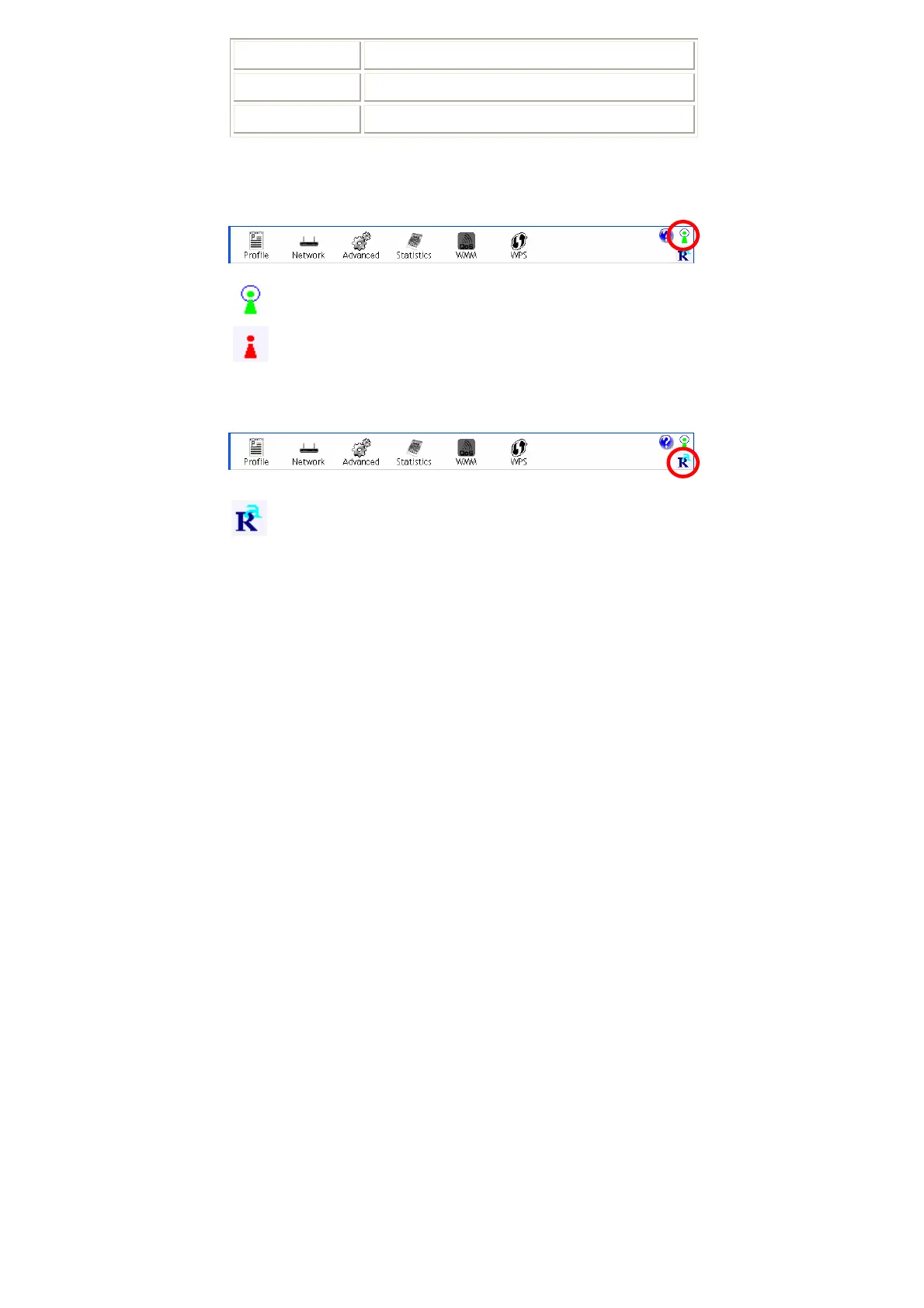
Radio On/Off
Click this icon to turn on radio function.
Click this icon to turn off radio function.
About
Click this button to show the information of the wireless card including,
RaConfig Version/ Date, Driver Version/ Date, EEPROM Version, Firmware
Version and Phy_Address.


 To Next Page