Motorola Bluetooth Manual
V2.1.2
3
2 Exploring the Bluetooth Environment
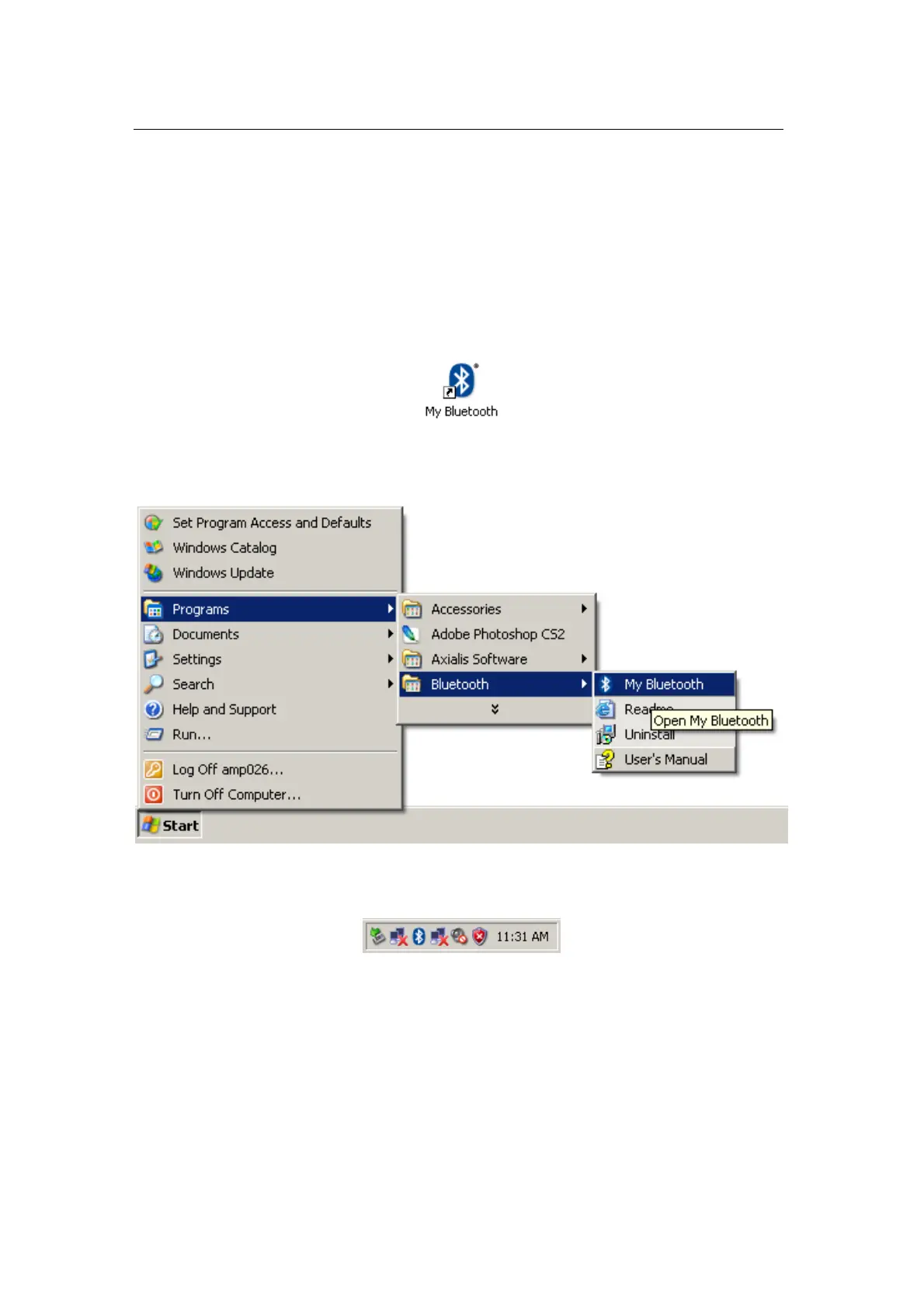
“My Bluetooth” explorer window provides you with an easy way to
explore your Bluetooth environment. There are several ways to open “My
Bluetooth” explorer window:
• Double-click on the “My Bluetooth” desktop icon
• Launch “My Bluetooth” from “Start/Programs/Bluetooth/”
• Double-click on the Motorola Bluetooth tray icon
• Select “Open My Bluetooth” from the Motorola Bluetooth tray
application context menu


 To Next Page