Motorola Bluetooth Manual
V2.1.2
5
When the tray icon switches from a blue revolving to a blue solid state, it
means that device discovery is finished and you can explore the found
devices.
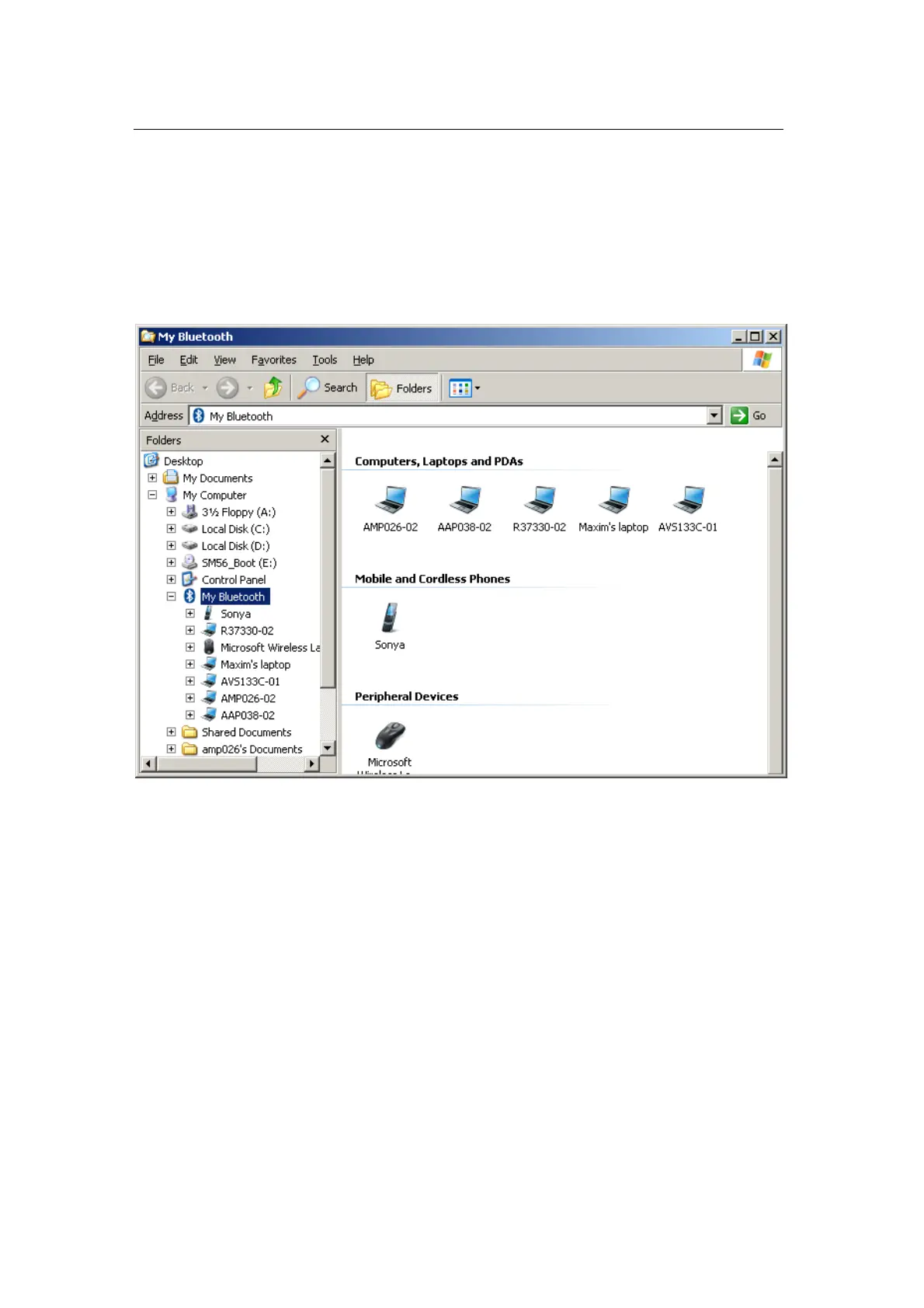
You can view the “My Bluetooth” window in various ways. The example
window below shows device icons in groups arranged by “Device Type.”
Most Bluetooth devices require authentication (or pairing) to allow
connection. Right-click on the device you would like to pair with and
select “Secure Pair…” in the context menu.


 To Next Page