Motorola Bluetooth Manual
V2.1.2
11
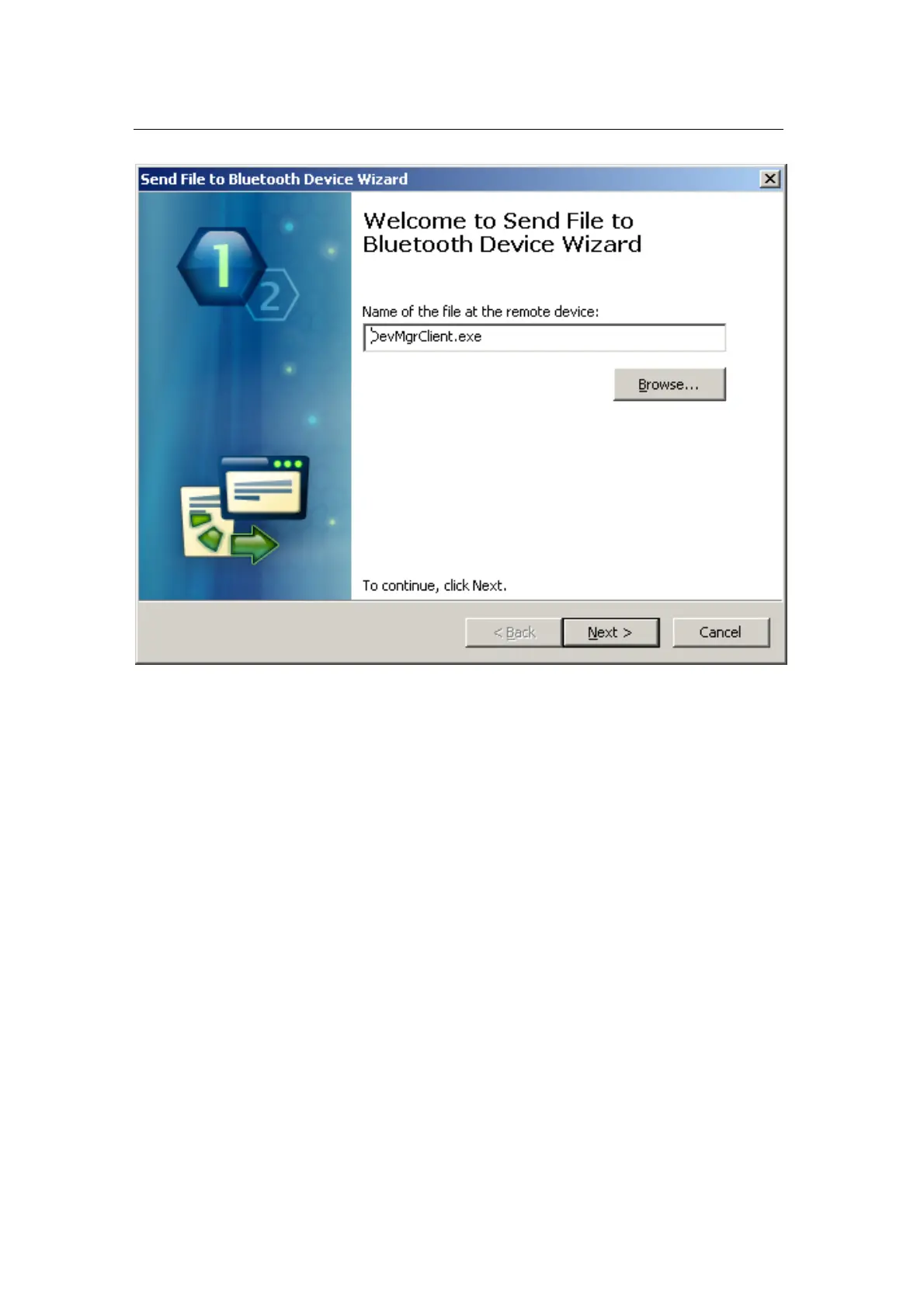
In the “Send to Bluetooth Device” wizard, click the “Browse…” button to
select file to be sent to a Bluetooth device.
After a file is selected, click “Next” – the transfer process will start with a
progress bar appearing on your monitor, indicating the current transfer
status.


 To Next Page