Motorola Bluetooth Manual
V2.1.2
18
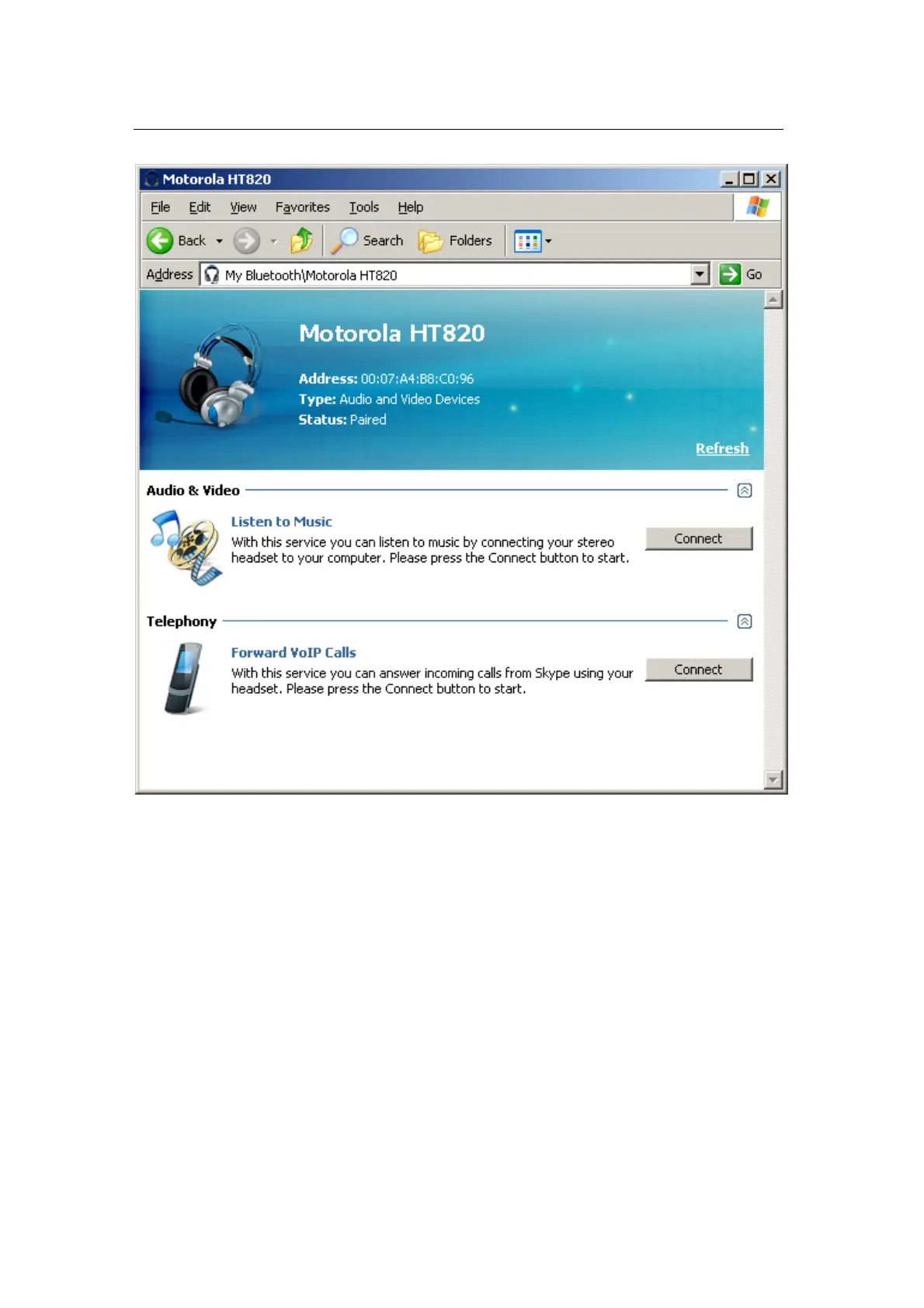
To connect the headset to your PC, click on the “Connect” button in the
“Audio & Video” section of the services view. You may need to perform
additional actions on your device to accept connection. (For example,
some headsets may require pairing to accept connection.)
As soon as connection is established, the service view will be updated to
inform you of the established connection.


 To Next Page