Motorola Bluetooth Manual
V2.1.2
23
6 Using a Bluetooth Printer
With Motorola Bluetooth, you can easily use your Bluetooth printer.
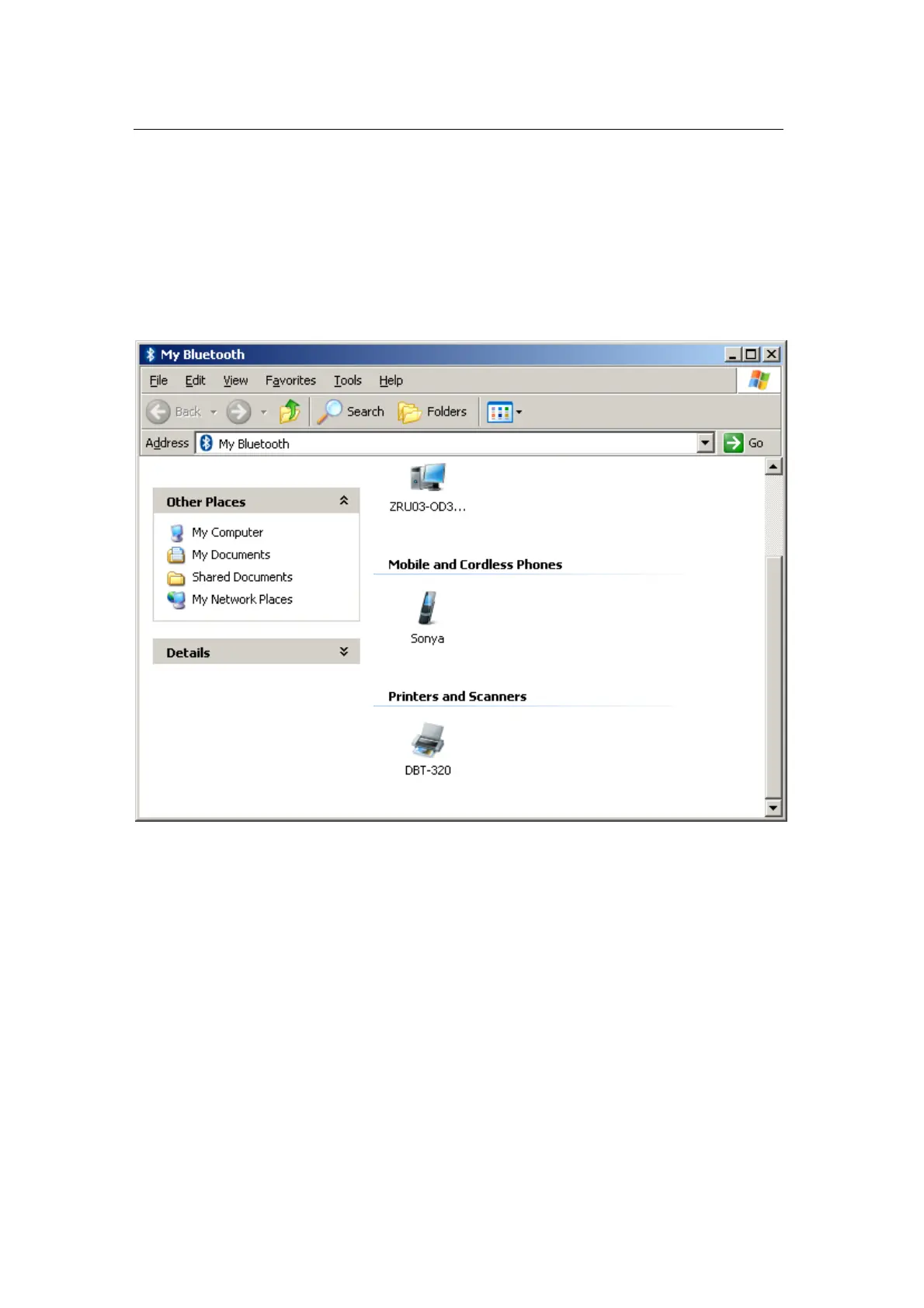
Turn on your Bluetooth printer and wait while Motorola Bluetooth finds it;
it will be displayed in the “Printers & Scanners” group.
Double-click on the device icon in the “My Bluetooth” explorer window
to open the list of services available on this device.


 To Next Page