Motorola Bluetooth Manual
V2.1.2
33
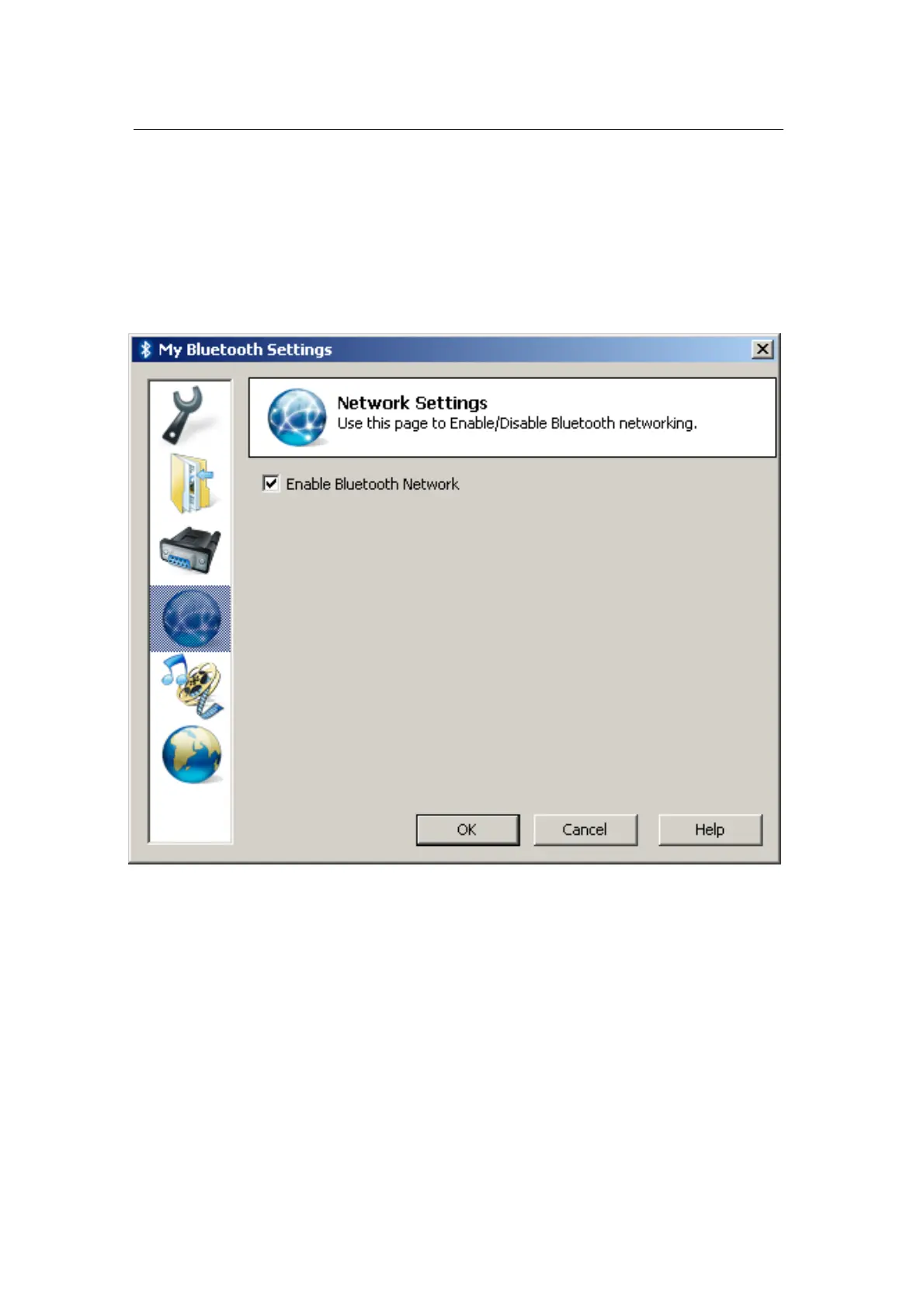
Network Settings
The fourth page in the “My Bluetooth Settings” window is the “Network
Settings” page.
On this page, you can disable/enable Bluetooth Networking capability on
your PC.
By default, Bluetooth Networking is disabled. So, you need to enable it in
order to allow other Bluetooth devices to initiate networking connection to
your PC.


 To Next Page