Motorola Bluetooth Manual
V2.1.2
35
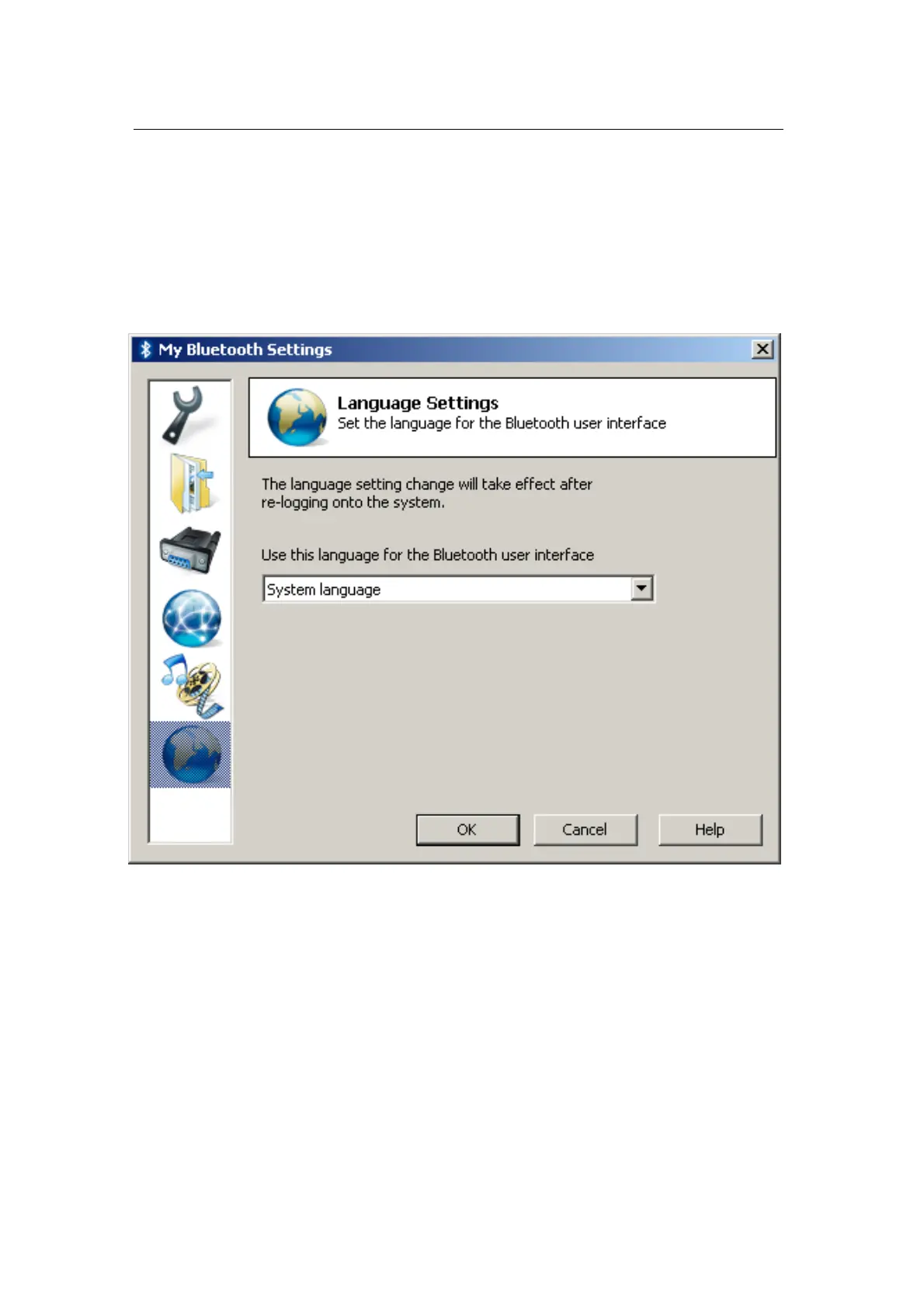
Language Settings
The sixth page in the “My Bluetooth Settings” window is the “Language
Settings” page.
On this page, you can explicitly select the language for the Motorola
Bluetooth user interface.
By default, Motorola Bluetooth tries to select Windows system language
for its interface, and, if it is not supported, the English language is
selected.


 To Previous Page