09
AFTER PRINTING THE S-7S MANUAL.
HOW DO I ASSEMBLE THE MANUAL?
1. Obtain three 2" wide 3-ring binders.
2. Place the TEXT, PARTS and FIGURES manuals in separate binders. Every page has a
section number then a page number within that section. (Example: parts page 006-02)
Parts pages have an exploded view and a parts listing. NOTE: The PARTS manual
pages will need to rotate to allow easier viewing. Refer to pages at beginning of PARTS
manual.
3. Separate the sections with the tab inserts listed below.
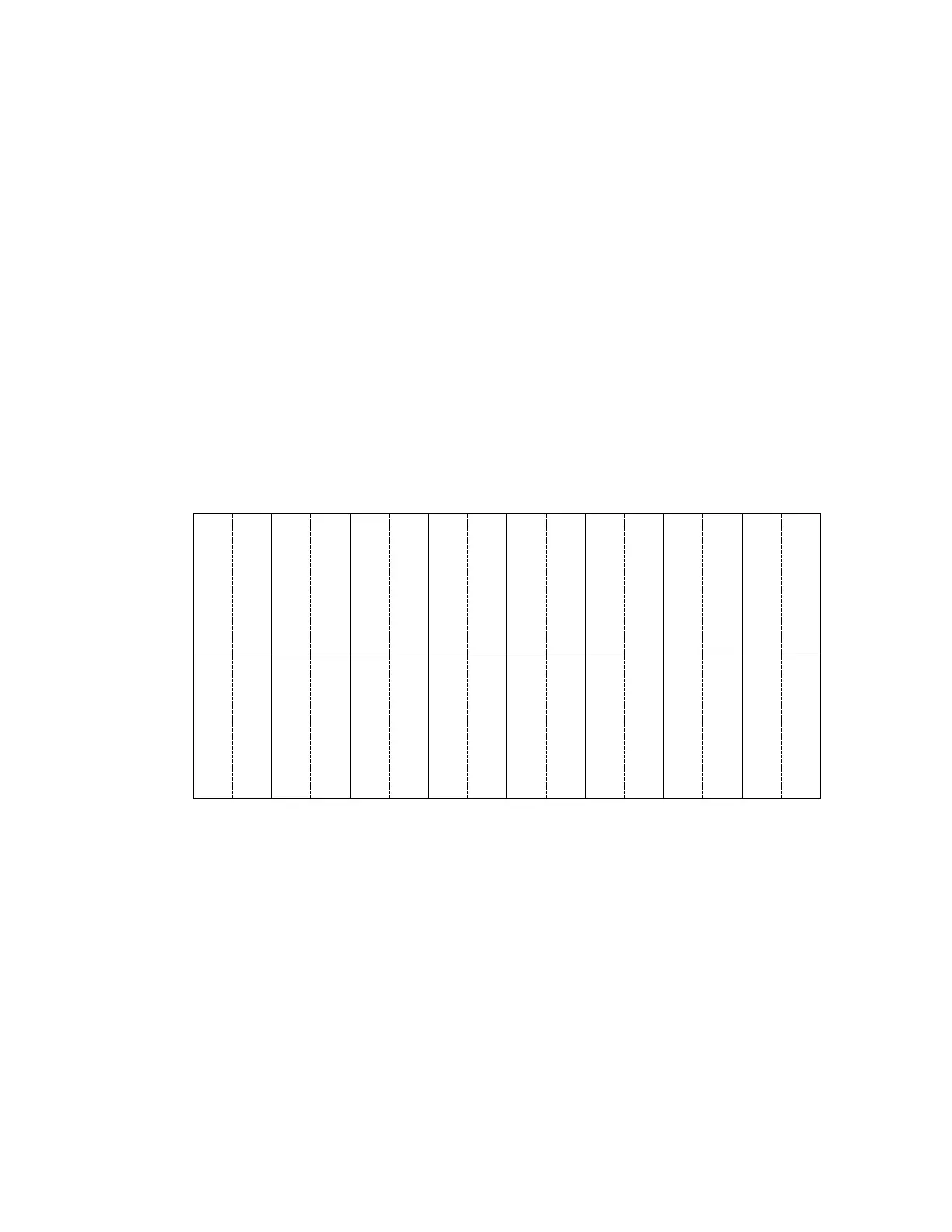
4. Cut out on solid lines, fold on dotted line, and slip in the labels to corresponding sections.
Tabs are designed for 1-1/4 ” Insertable Tabs.
00 - GENERAL
00 - GENERAL
01 – FUSELAGE
01 – FUSELAGE
02 – CONTROL
02 – CONTROL
03 - ENGINE
03 - ENGINE
04 - INSTRUMENT
PITOT/STATIC
04 - INSTRUMENT
05 - WINGS
05 - WINGS
06 - BOOT COWL &
06 - BOOT COWL &
07 - WINDSHIELD &
07 - WINDSHIELD &
08 – COVERING
08 – COVERING
09 –SEAT BELTS &
09 - SEAT BELTS &
10 – OPTIONS
10 - OPTIONS
11 – RIGGING
11 - RIGGING
12 – WEIGHT &
BALANCE
12 - WEIGHT &
13 - OPERATIONS
13 - OPERATIONS



 To Next Page