8
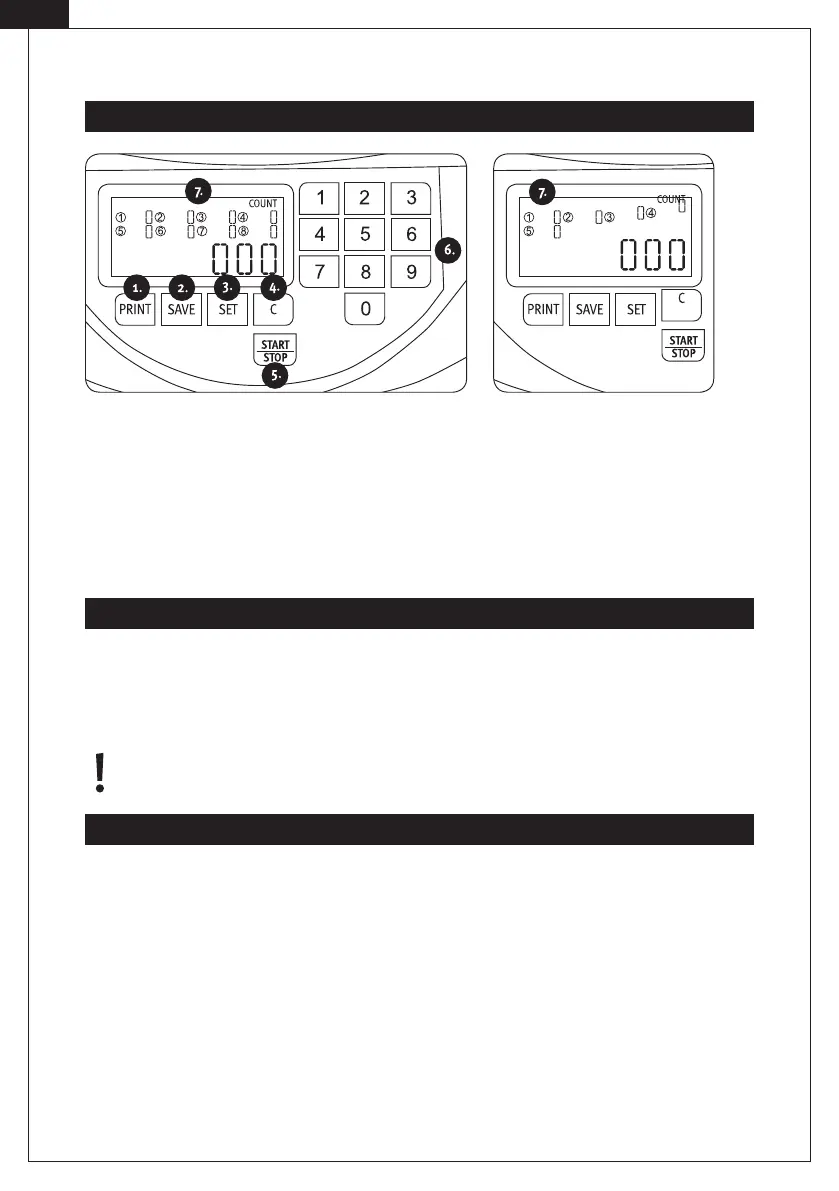
1. PRINT: Print the counting results.
2. SAVE: Save and display the counting results.
3. SET: Open the SET overview for the coin cups 1–8.
4. C: Delete the counting results | reset the batch amounts.
5. START | STOP: Start | Stop the counting process.
6. Number key 0–9: Set the batch amounts (0–999) and save and display the counting results.
7. Numbers 1–8 (Display): Display of coin cups.
[EN]
Control Panel
Process
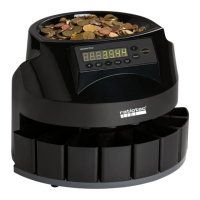
CS 250 special:
Insert the coins in the coin feeder and start the counting process by pressing START | STOP. During the counting
process, the quantity of the counted coins in each coin cup (1-8) and the total sum will be shown on the display. You
can stop the counting process with the START | STOP key. In order to delete the counting results, press the C key.
After switching o the machine, the counting results will be deleted automatically.
Note: The numbers 1–8 on the display refer to the order of the coin cups, displaying the coins counted (not
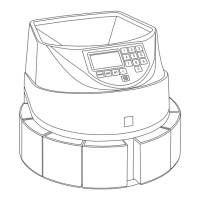
to the value of the coin!). The cups are counted clockwise starting from the right (see front side illustration).
The CS 250 special is designed to count and sort only 5 denominations of coins. Please be aware that only the fol-
lowing denominations of coins can be correctly counted and sorted: 10 cents, 20 cents, 50 cents, 1 euro and 2 euro.
Other coin denominations are sorted incorrectly and lead to incorrect counting results.
.
.
.


 To Next Page