11
Setting the baud rate
Safety recommendations
Note: Most ratiotec devices work with a baud rate of 9600 bps. Change the baud rate only if you
are working with a product the baud rate of which differs from 9600 bps.
To change the baud rate, please proceed according to the following steps:
1. When off: Press POWER until all three indicating lights light up.
2. Press POWER again. The red error light blinks.
3. Press FEED to set baud rate (see chart below).
4. The power light blinks as many times as you have pressed the FEED key.
E.g. If you have pressed FEED once, baud rate is 2400 and the power light blinks once.
5. Press POWER to confirm and exit.
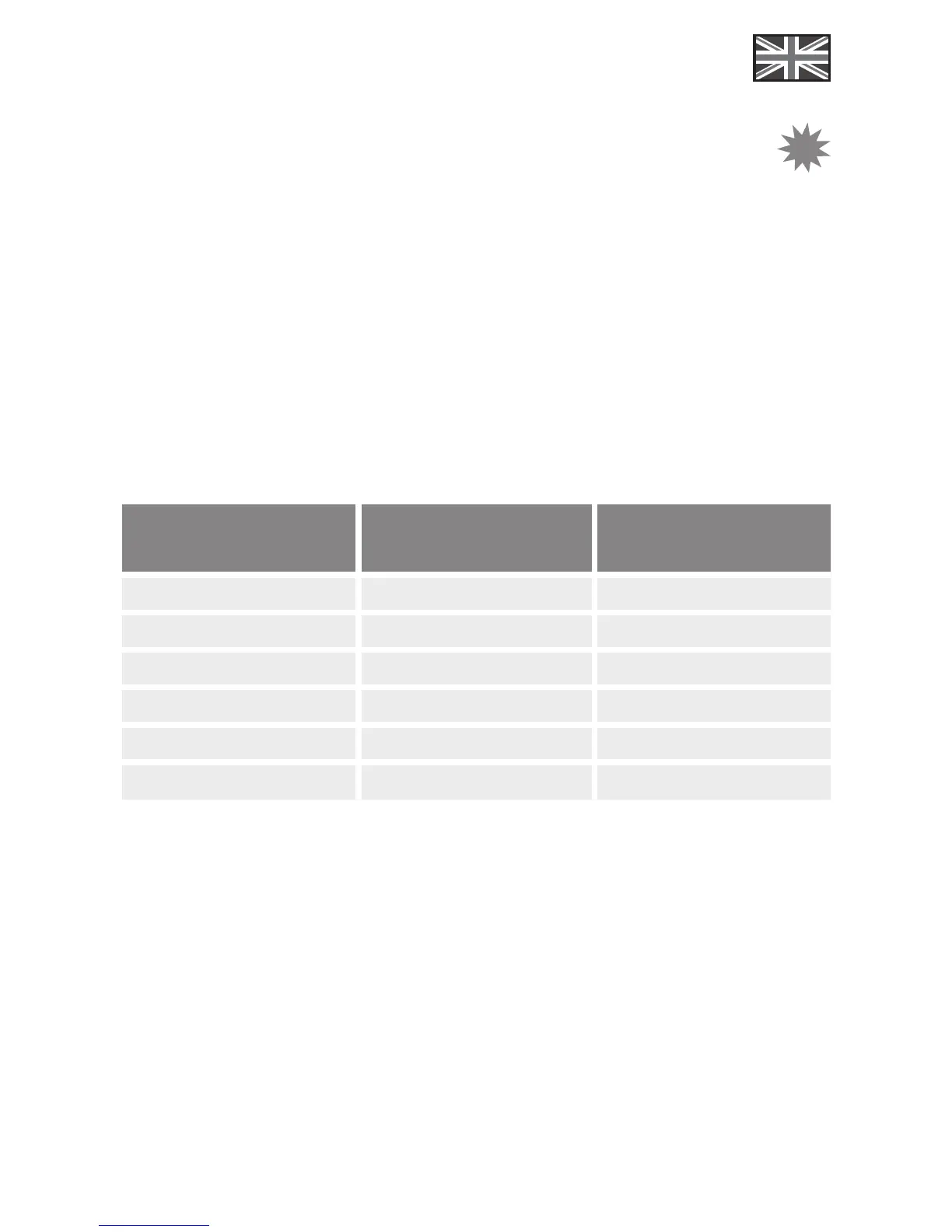
Times “FEED” pressed Baud Rate Blinking Times
1 x 2400 1 x
2 x 4800 2 x
3 x 9600 3 x
4 x
19200 4 x
5 x
38400 5 x
6 x 57600 6 x
Overheating protection
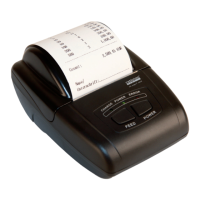
The printing head contains overheating protection. When temperature is too high, printer will
automatically stop and its error light will light up. After cooling down, it will restart and resume
printing.
!


 To Next Page