10
Currency Detection
Insert banknote
False or suspect note
Detecting Report and Clearing - only for Smart Protect Plus in the Addition mode
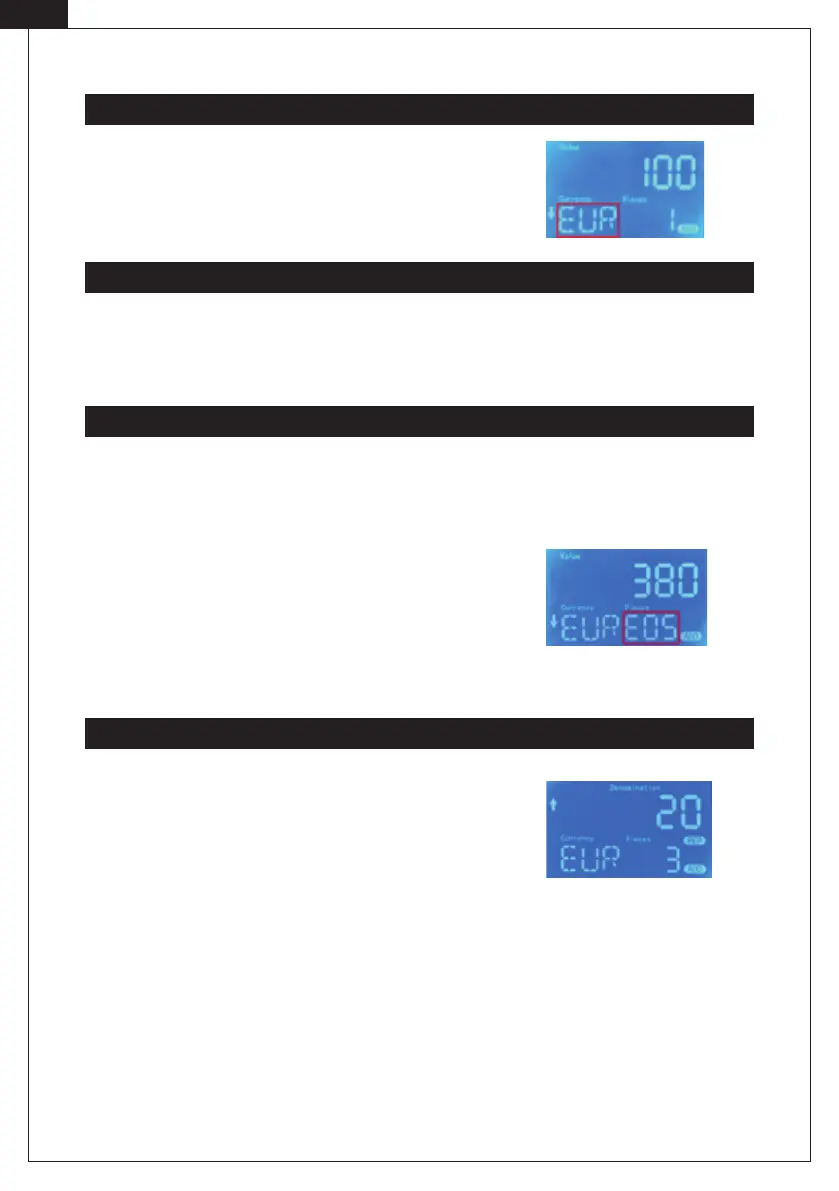
You do not need to select the currency because the banknote detector
will automatically detect the currency when a banknote passes and the
currency display window will show the current currency symbol.
Standard Currencies for boths models: EUR | GBP | CHF
Smart Protect & Smart Protect Plus:
Place a banknote on the feeder. The banknote detector starts automatically and pulls in the banknote. EUR and
GBP can be inserted in any orientation. CHF only right-justi ed.
Smart Protect:
A wrong or suspicious banknote is ejected at the back. You will hear three signal tones.
Smart Protect Plus:
If it is a wrong or suspicious banknote, it is ejected according to the
selected ejection direction. Suspicious or counterfeit banknotes are
indicated by certain error codes on the screen. The di erent error codes
are composed as follows: E+number combination.
Note: If TONE is switched o in the setup of the Smart Protect Plus, no acoustic signal will appear.
After nishing the detection process, press the UP/DOWN arrow key to
enter the report mode. You can switch between the values by pressing
the arrow key again. The total amount and quantity of banknotes are
shown. If you feed a banknote when in report mode, the detector will
automatically exit from report mode.
Note: To enter addition mode on the Smart Protect Plus, you must rst
press the MODE button.
Note: To be able to delete the results, the MODE button must be pressed
and held.
[EN]



 To Next Page