1
Instruction Manual
Radio Controlled Talking Button Clock
Model: TDRC100
Please read the instructions carefully and keep for future reference
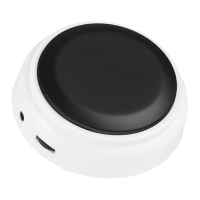
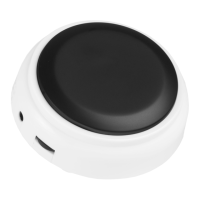
The clock is housed in a disc shaped case 8.8cm (3.5 inches) diameter
by 3cm (1.2 inches) high.
Getting started
Inserting the batteries
If using batteries to power your talking clock.
• Only use two AAA (1.5V) alkaline batteries in this clock.
• Turn the clock over so the base is facing upwards and locate the
battery cover.
• Locate the finger tip catch on the long side of the battery cover.
Using your finger tip gently pull the clip and lift the cover away
from the body of the clock.
• Insert each battery noting the correct polarity, with the negative
(flat) end of each battery positioned against the spring.
• Once both batteries are inserted re-attach the battery cover
ensuring that the two locating lugs sit into the bottom edge of the
battery compartment.
• Close the cover, you will know when it’s properly located as you
will hear an audible click confirming the cover is correctly fitted.
Tip 1: It is recommended that you replace the batteries annually, even
if the clock is still running.

 To Next Page
 Need help?
 General