F3-G2 System Manual - Rev 7 Page 9 of 33
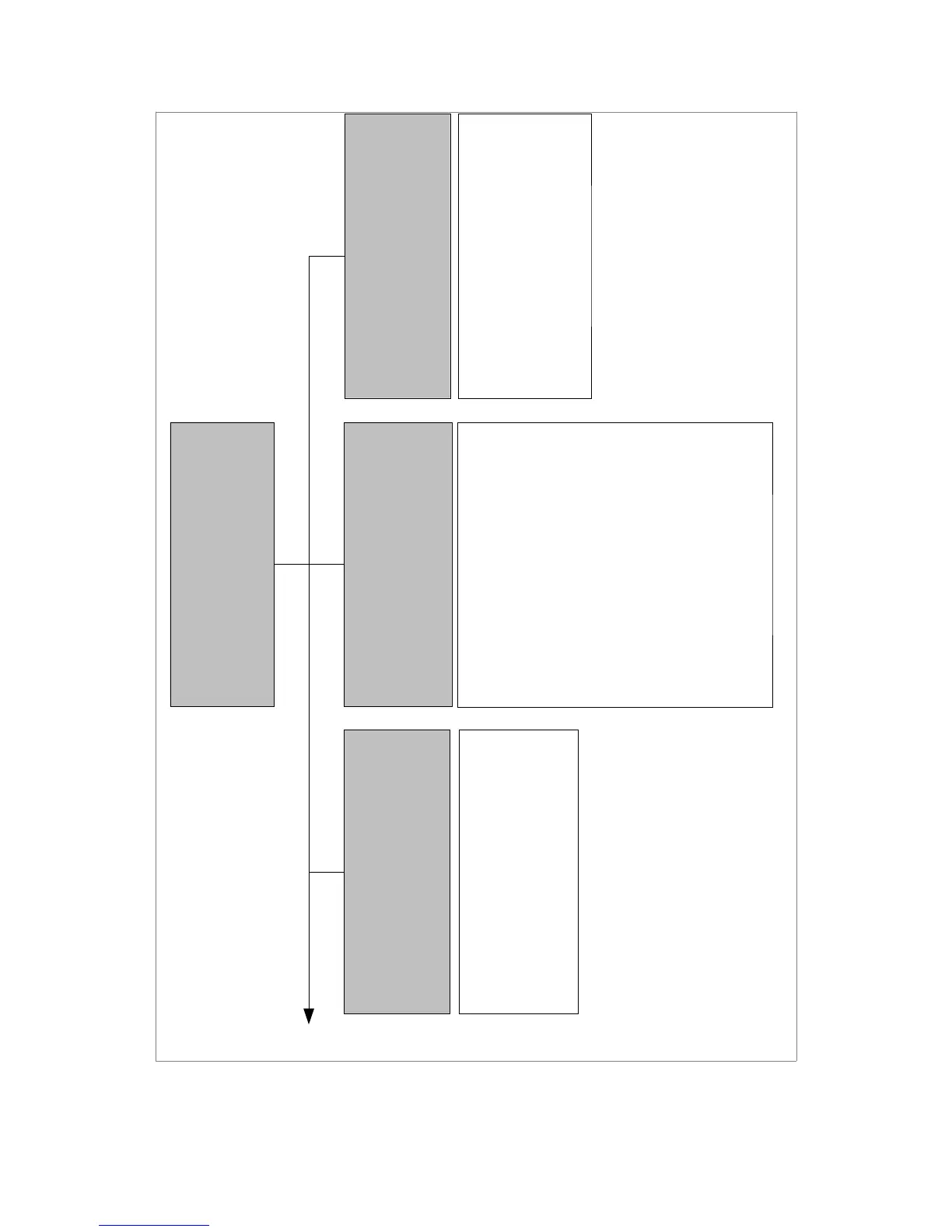
Drawing 4.1: System Menu Diagram
SETUP
DEPLOYMENT
HEAT ALERT
MOTION TIMERS
ADVANCED
DEPLOYMENT
DEPLOYMENT: OFF/ON
WINDOW DROP: OFF/LEFT/RIGHT/BOTH
HORN: OFF/ON
HEAT ALERT
HEAT ALERT: OFF/ON
TEMP UNITS: F/C
ALERT TEMP: 70F – 99F (85)
ALERT DELAY: 0m – 10m (2)
WINDOW DROP: OFF/LEFT/RIGHT/BOTH
ALARM MODE: OFF/LIGHTS/HORN/BOTH
MOTION TIMERS
DETECT DELAY: 1m – 10m (5)
DETECT DUR: 5/10/15/20/25/30/CONT
ALERT DELAY: 1m – 3m (2)
Deployment: This will enable or disable the
deployment system.
Window Drop: Sets which window(s) will drop
immediately after a deployment is triggered.
Horn: Enables or disables the horn beep
notification on deployment.
Heat Alert: Enables or disables heat alert
system. Vehicle power alert and motion alert (if
installed) are also affected by this setting.
Temp Units: Sets temperature measurement
units to fahrenheit or celcius.
Alert Temp: Sets the temperature that both
temperature sensors must reach to trigger a heat
alert.
Alert Delay: Sets the initial delay after system
startup or a reset alert before heat alert system is
active.
Window Drop: Sets which window(s) will drop
when a heat, vehicle power, auxilliary, or motion
alert is triggered.
Alarm Mode: Sets which audible/visual alarms
should be activated when the alarm delay has
expired after an alert is triggered.
Detect Delay: Sets the number of minutes the
system will wait before watching for motion.
Detect Duration: Sets the number of minutes
the system will watch for motion.
Alert Delay: Sets the number of minutes
between motion being detected and an alert being
triggered.


 To Next Page