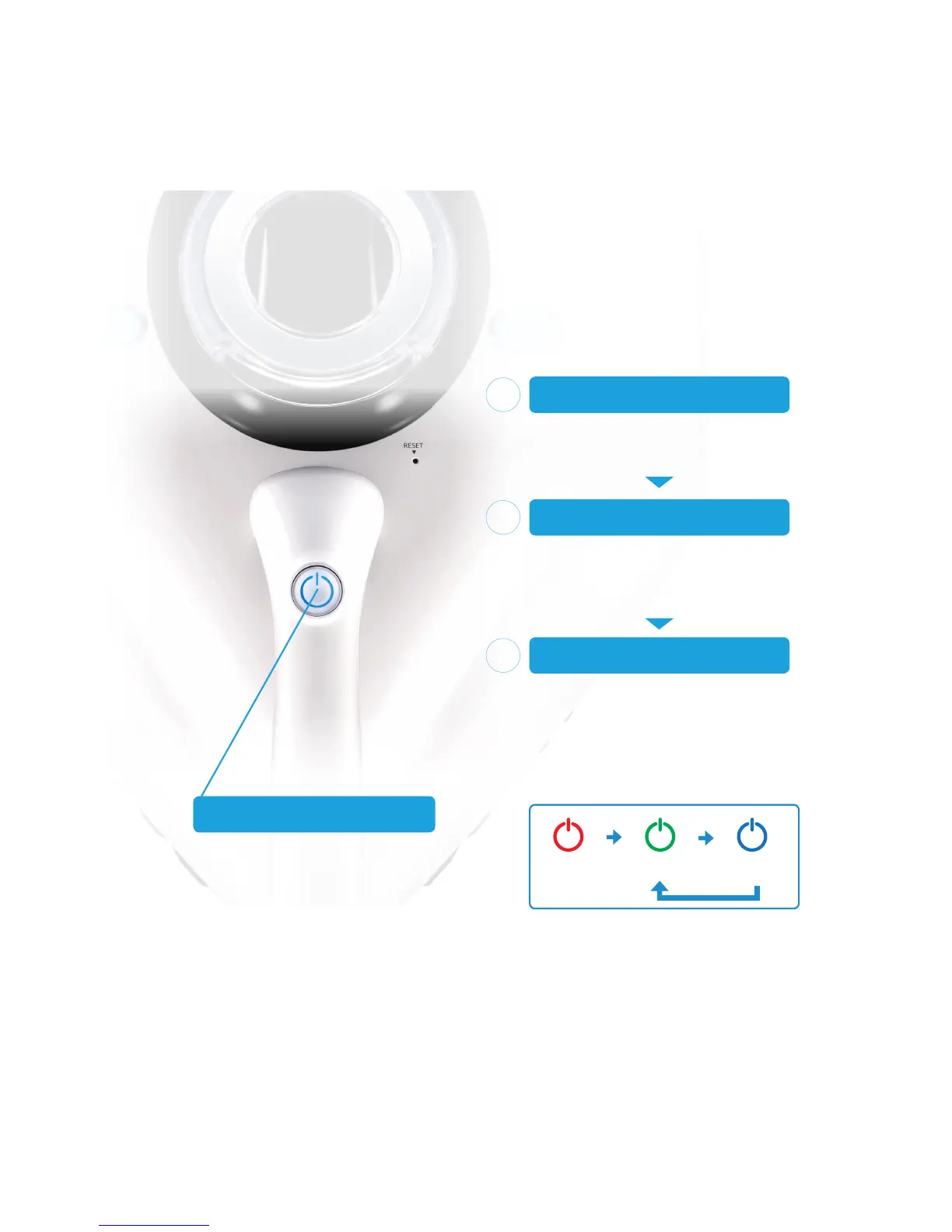
Lock Standby Operation Mode
If the product remains idle for more than one
minute, the lock mode is automatically started.
TURN O N THE PRO DUCT
Plug the power plug into the outlet and red
color indicator appears on the power button.
(The lock mode is applied)
1
Use this button to control
Press the button for 3 seconds
to release the lock mode.
POWER BU T TO N
RELEASE THE LOCK MODE
(Stand-by mode)
Push the power button for more than three
seconds to unlock and to apply the stand-by
mode. (Check to see if the green indicator on
the button is turned on)
2
OPERATIO N MODE
Plug the power plug into the outlet and red
color indicator appears on the power
button. (The lock mode is applied)
3
H
O
W
T
O
S
T
A
R
T


 To Next Page