EasyManua.ls Logo

Raymarine CAM220IP - User Manual

Raymarine CAM220IP
90 pages
Print Icon
To Next Page IconTo Next Page
Loading...
© 2022 Raymarine UK Limited
87268 (Rev 4)Document number:
05-2022Date:
English (en-US)
Installation & operation instructions
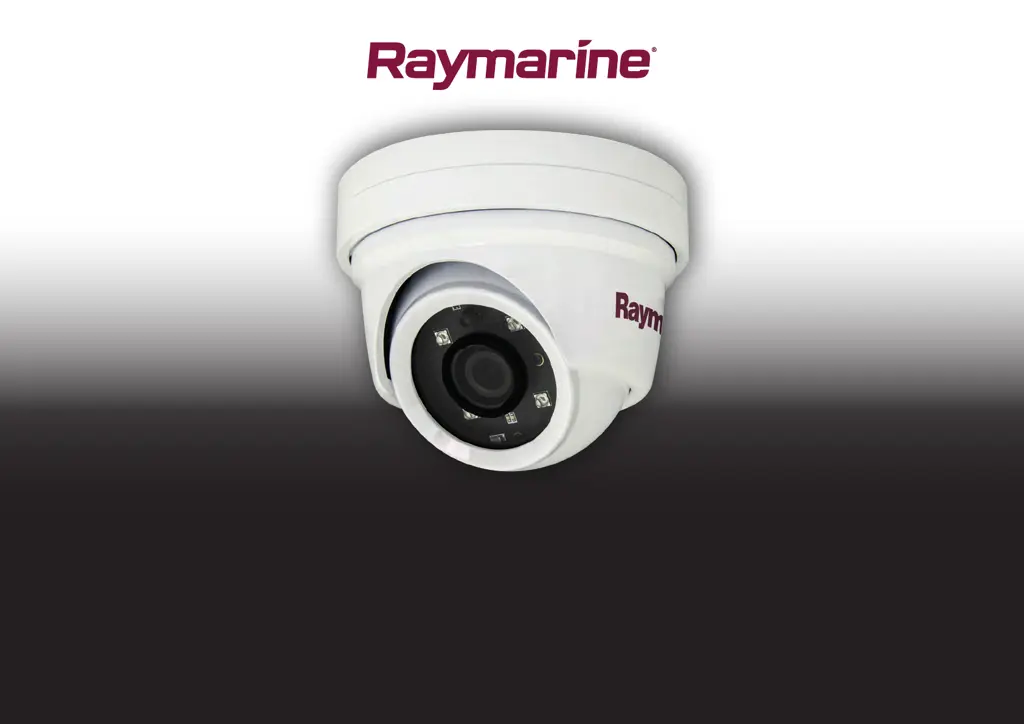
CAM220IP
Digital IP Camera

Table of Contents

Questions and Answers

  • S
    Stephanie WernerJul 28, 2025
    Why is my Raymarine Digital Camera not turning on?
    • L
      lpearsonJul 28, 2025
      If your Raymarine Digital Camera isn't powering on, several factors could be at play. First, check that the Ethernet cable is properly connected and securely fastened. Ensure that you're not using a crossover coupler or cable, as they're unsuitable for PoE applications. Verify that the Power Sourcing Equipment (PSE) is on and has enough power to support the camera. Confirm that the power supply meets the camera's power needs and is switched on. Lastly, ensure all power cables are correctly connected and secure.

Summary

Important Information

Certified Installation

Raymarine recommends certified installation for enhanced product warranty benefits.

Power Over Ethernet (PoE)

Explains the PoE system, device powering, and classifications.

Product and System Overview

Product Overview

Details the features and capabilities of the CAM220IP IP camera.

Augmented Reality

Explains how the camera supports Augmented Reality features with an AR200.

Location Requirements

Installation

Tools Required

Lists the tools necessary for the installation of the camera.

Mounting the Unit

Step-by-step instructions for physically mounting the camera unit.

Cables and Connections

Power Options

Details the two methods for powering the camera: PoE or self-powered.

Power Connection - PoE

Explains how to connect the camera using Power over Ethernet.

Power Connection - Self-Powered

Provides instructions for connecting the camera to a 12V DC power supply.

Operation

Web Browser Interface

Details network setup, finding IP address, and accessing the camera via web browser.

Augmented Reality

Camera Setup

Details camera settings like height, direction, and field of view for AR.

AR200 Calibration (Linearization)

Process to compensate for local magnetic fields for accurate AR flag placement.

Maintenance

System Checks and Troubleshooting

IP Camera Troubleshooting

Resolves issues like camera not powering on or no image on the MFD.

Augmented Reality Troubleshooting

Solves issues with AR options, flag display, and AR200 interference.

Technical Specification

Technical Specification

Detailed specifications including physical, power, environmental, camera, video, and conformance.

Raymarine CAM220IP Specifications

General IconGeneral
BrandRaymarine
ModelCAM220IP
CategoryDigital Camera
LanguageEnglish