32 | For gamers by gamers™
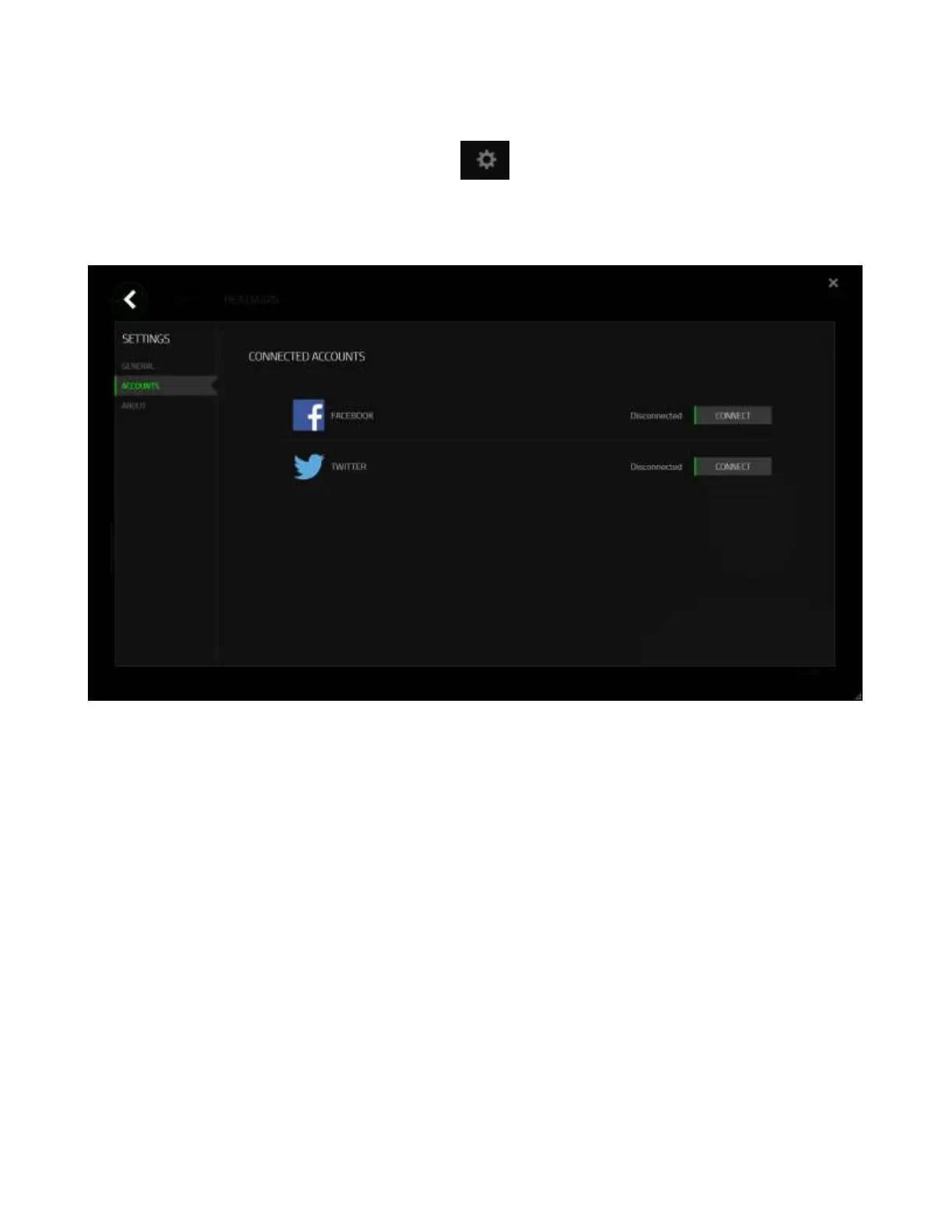
You can also login to your social media accounts first from the “SETTINGS” screen.
From the Stats & Heatmaps window, click . Select the “ACCOUNTS” tab. Click
CONNECT next to the social media network you wish to sync with. Enter your login
details and wait for the connection to complete.






 To Next Page