SETTING UP YOUR LAPTOP
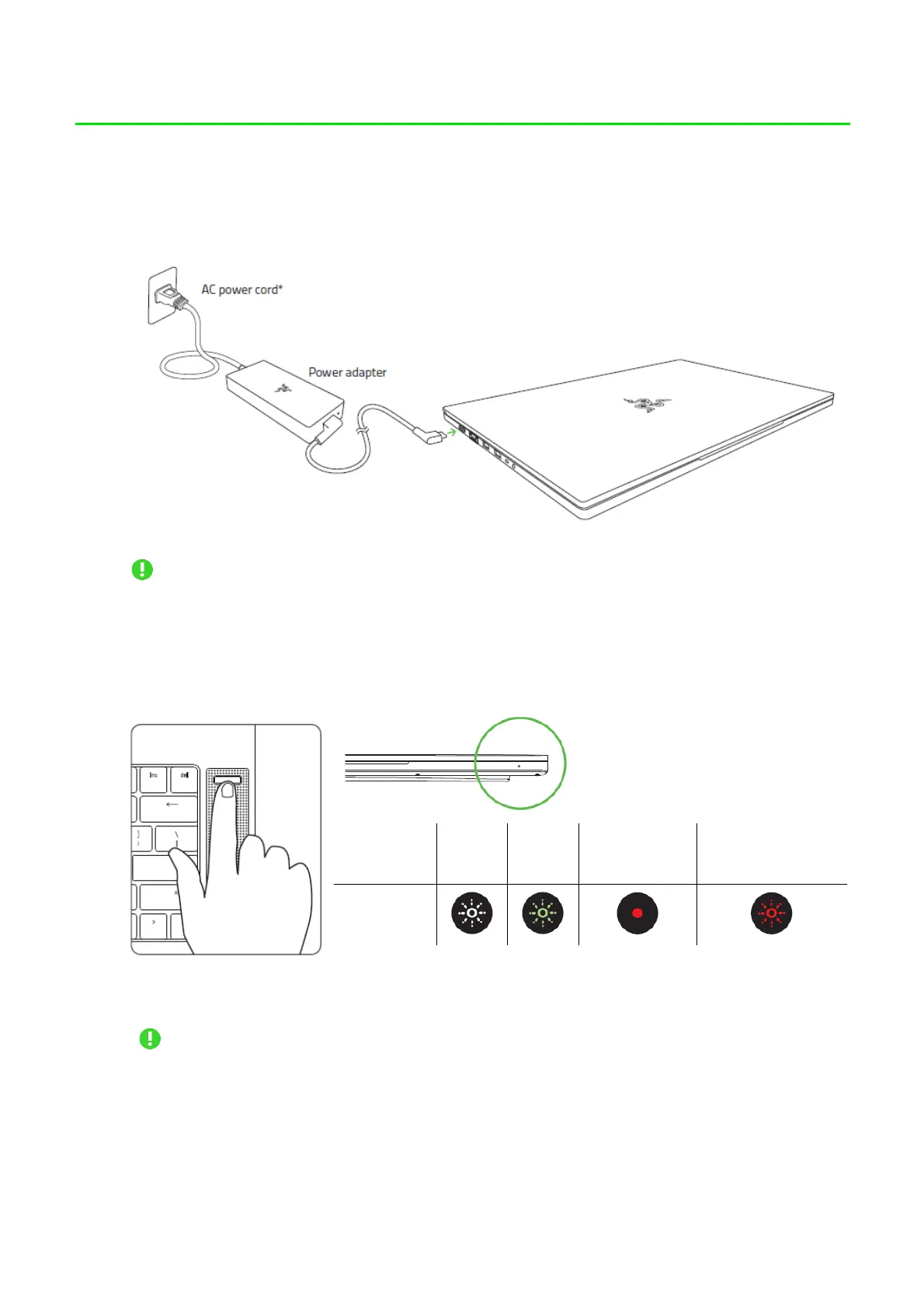
1. With the appropriate power cord connected to the power adapter, insert its AC plug
into a power outlet, and then connect it to the power port of your Razer Blade Pro 17.
Use the appropriate power cord for your region. For first time use, please fully
charge your laptop first or make sure to connect it to a power outlet before turning
it on. It takes at least 2 hours to fully charge your Razer Blade Pro 17.
2. Power on your Razer Blade Pro 17. The power indicator will show the status of your
laptop.
3. Follow the onscreen instructions to complete the Windows 10 setup.
When prompted, it is recommended that you connect your laptop to a wireless
network with an active internet connection.



 To Next Page