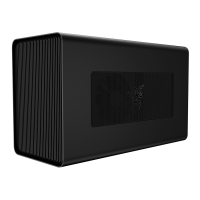
6. INSTALLING YOUR RAZER CORE
O
A SYSTEM TE MA Y BE REQUIRED
Yourcompatible RazerBlade Stealth or Razer Blade may require a software update for Razer Coreto
function properly. Pleasecheckthe following website to ensure your system has the latest software
installed: rzr.to/core-update
Step 1: Make sure you have installed the latest drivers for your Razer Core's graphics card.
Step 2: Launch the Razer Synapse application.
Step 3: Create your Razer ID or log into Razer Synapse with an existing account.
Step 4: Wait until Razer Synapse have finished downloading the drivers for Razer Core.
Step 5: Restart your system if prompted.
Congratulations! Youare now readv to use your Razer Core.
FOR GAMERS. BY GAME-RS:
114


 To Next Page