Lighting Tab
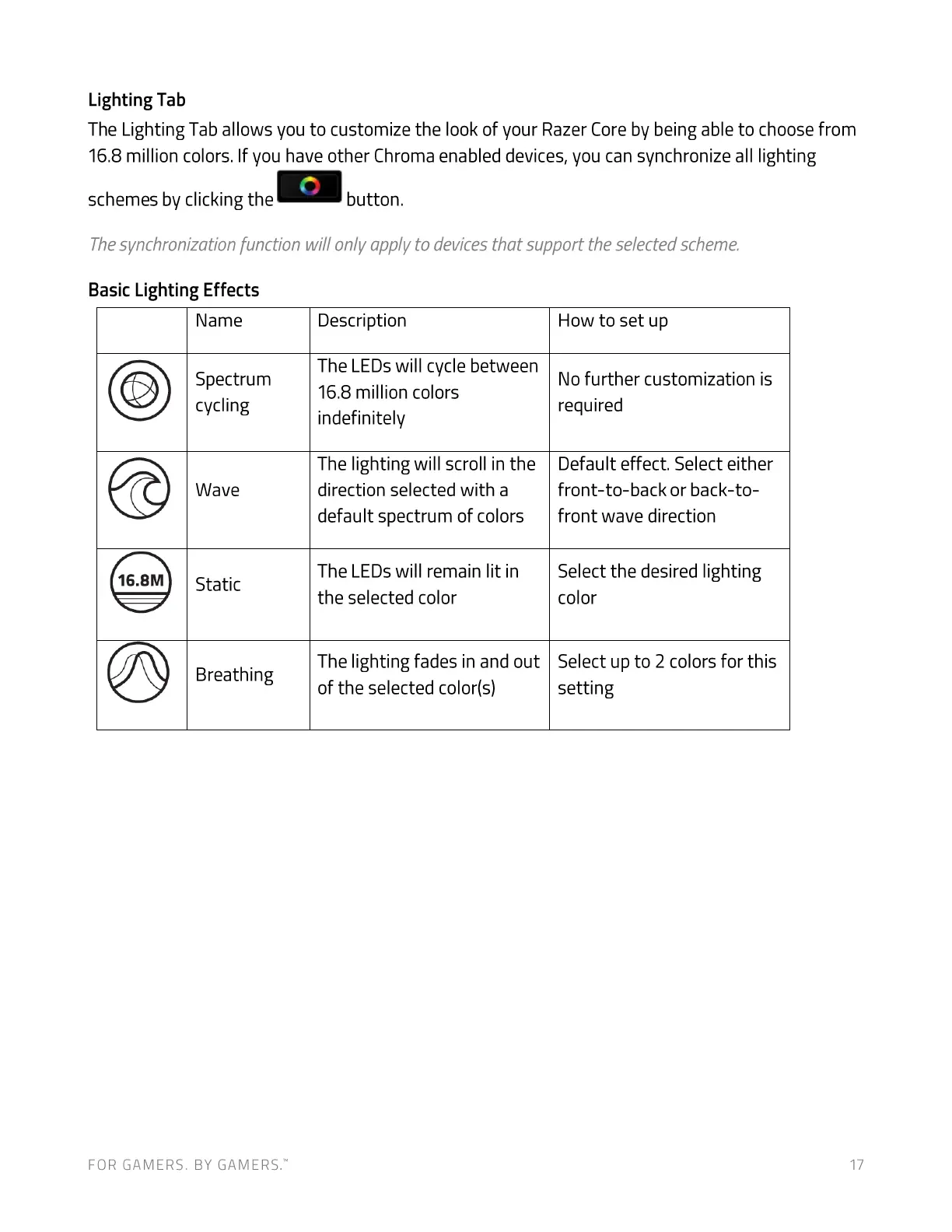
The Lighting Tab allows you to customize the look of your Razer Core by being able to choose from
16.8 million colors. If you have other Chroma enabled devices, you can synchronize all lighting
schemes by clicking the
button.
Thesynchronization function will only app/v to devicesthat support the selectedscheme.
Basic Lighting Effects
16.8M
Name
Spectrum
cycling
Wave
Static
Breathing
Description
The LEDs will cycle between
16.8 million colors
indefinitely
The lighting will scroll in the
direction selected with a
default spectrum of colors
The LEDs will remain lit in
the selected color
The lighting fades in and out
of the selected color(s)
FOR GAMERS. BY GAME-RS:
How to set up
No further customization is
required
Default effect. Select either
front-to-back or back-to-
front wave direction
Select the desired lighting
color
Select up to 2 colors for this
setting
17


 To Next Page