9 | razer™
4. USING YOUR KEYBOARD DOCK
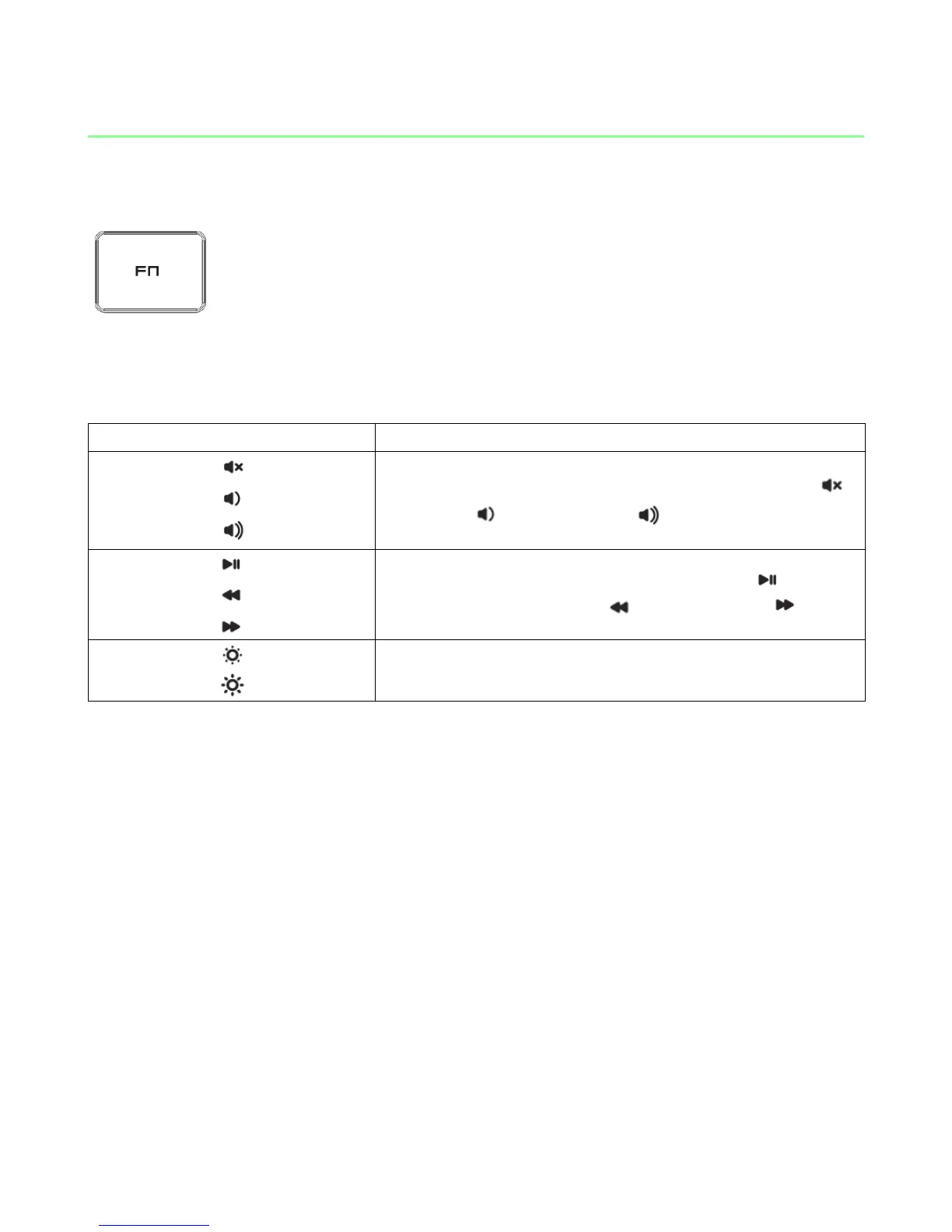
Pressing the “FN” key in combination with the function keys will activate their
secondary features. Listed below are the function keys and their features’ descriptions.
The audio volume controls allow you to mute ( ),
decrease ( ) and increase ( ) the audio output.
The media keys allow you to play/pause ( ) a track
or skip tracks backward ( ) and forward ( ).
The screen brightness keys allow you to customize
the brightness of the screen.



 To Next Page