5. USING YOUR EARBUDS
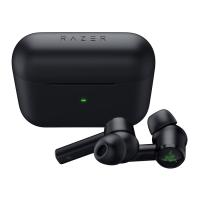
GAMING MODE
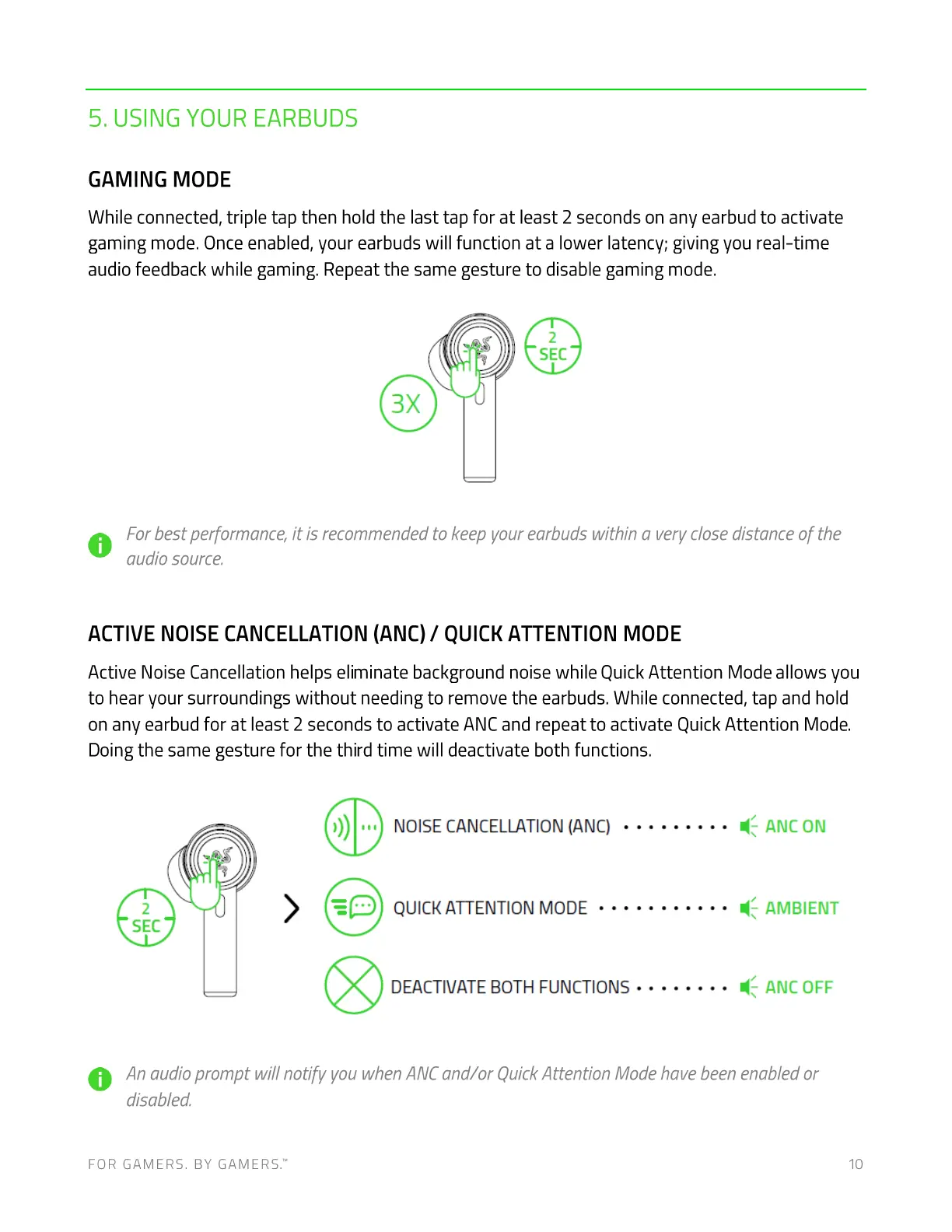
While connected, triple tap then hold the last tap for at least 2 seconds on any earbud to activate
gaming mode. Once enabled, your earbuds will function at a lower latency; giving you real-time
audio feedback while gaming. Repeat the same gesture to disable gaming mode.
2
SEC
For best performance, it is recommended to keep your earbuds within a very close distance of the
O
audio source.
ACTIVE NOISE CANCELLATION (ANC) / QUICK ATTENTION MODE
Active Noise Cancellation helps eliminate background noise while Quick Attention Mode allows you
to hear your surroundings without needing to remove the earbuds. While connected, tap and hold
on any earbud for at least 2 seconds to activate ANC and repeat to activate Quick Attention Mode.
Doing the same gesture for the third time will deactivate both functions.
2
SEC
>
ANC ON
NOISE CANCELLATION (ANC)
AMBIENT
QUICK ATTENTION MODE
ANC OFFDEACTIVATE BOTH FUNCTIONS
An audio prompt will notify vou when ANCand/or QuickAttention Mode have been enabled or
disabled.
FOR GAMERS. BY GAMERS.W 10



 To Next Page