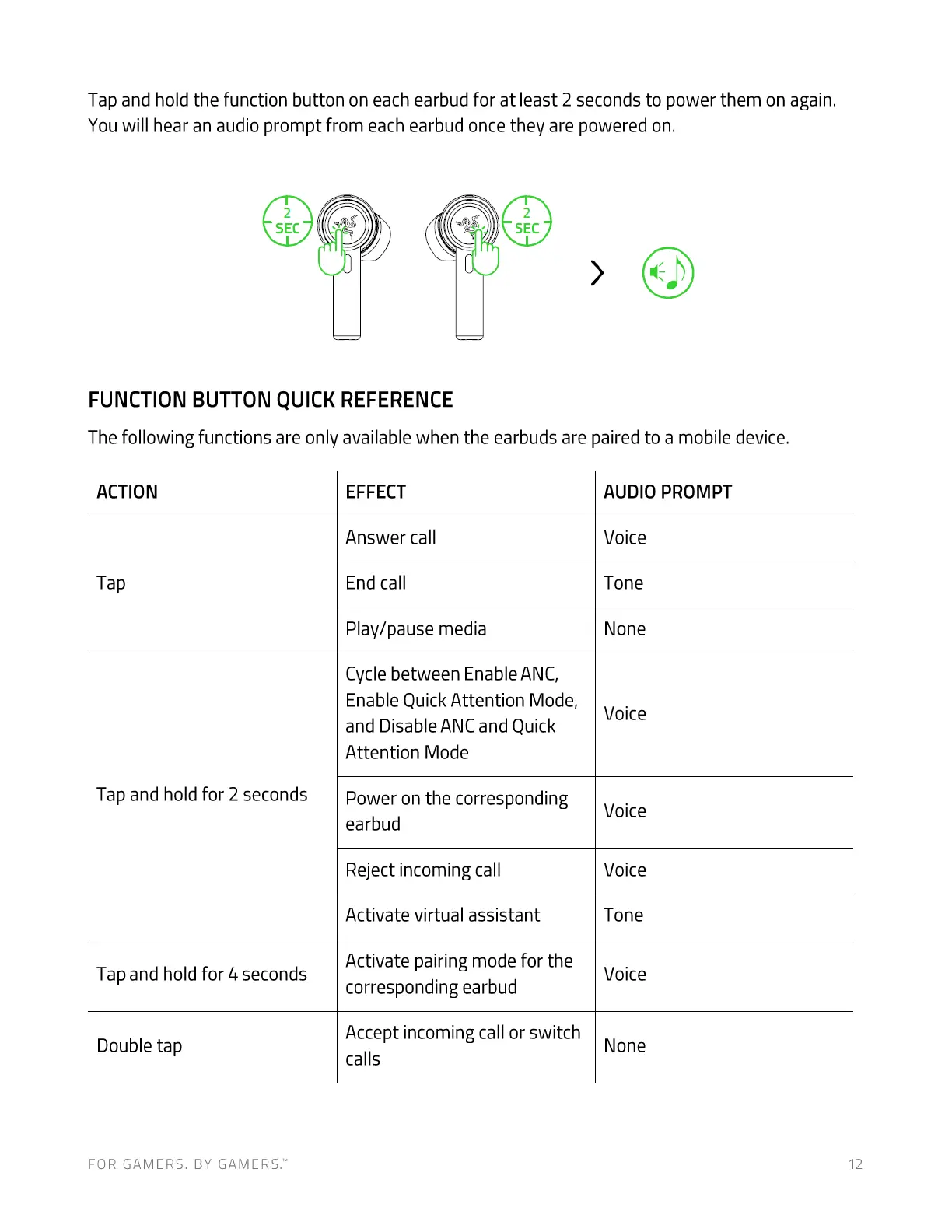
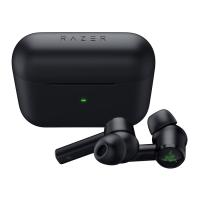
Tap and hold the function button on each earbud for at least 2 seconds to power them on again.
You will hear an audio prompt from each earbud once they are powered on.
2
SEC
FUNCTION BUTTON QUICK REFERENCE
2
SEC
The following functions are only available when the earbuds are paired to a mobile device.
ACTION
Tap
Tap and hold for 2 seconds
Tap and hold for 4 seconds
Double tap
FOR GAMERS. BY GAMERS.W
EFFECT
Answer call
End call
Play/pause media
Cycle between Enable ANC,
Enable Quick Attention Mode,
and Disable ANC and Quick
Attention Mode
Power on the corresponding
earbud
Reject incoming call
Activate virtual assistant
AUDIO PROMPT
Voice
Tone
None
Voice
Voice
Voice
Tone
Activate pairing mode for the
Voice
corresponding earbud
Accept incoming call or switch
calls
None
12




 To Next Page