Why is my Razer Iskur wobbling?
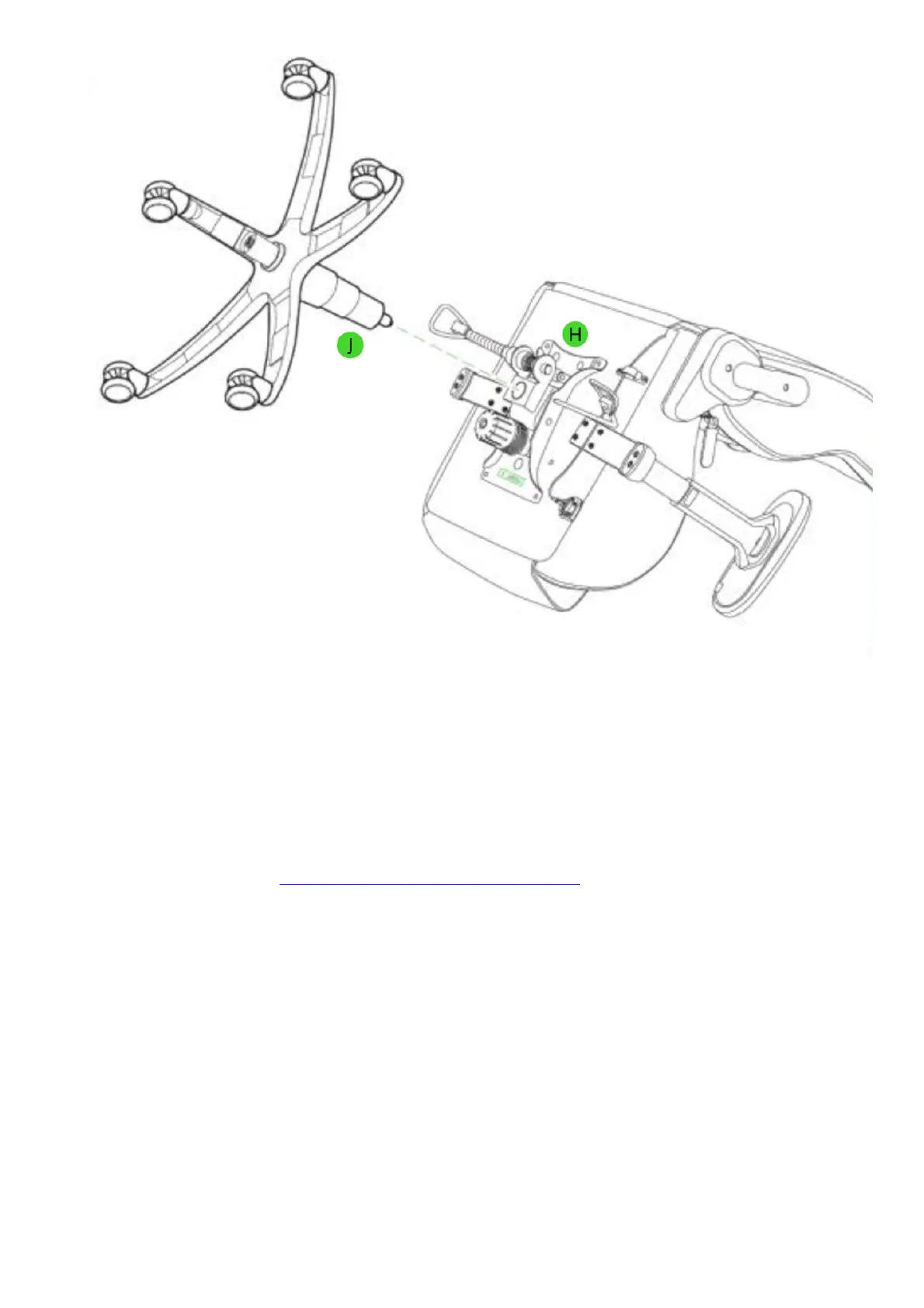
Wobbling may be caused by improper assembly. Make sure all screws are properly tightened. You may
need to check the assembly guide again to make sure that the parts have been installed correctly.
I cannot tilt the Razer Iskur
Make sure that the tilt mechanism is not locked. Lift the tilt mechanism lever to unlock, adjust as needed
and push the lever down to lock. You can also adjust the tension knob and see if it helps. Refer to the
product manual or watch the Razer Iskur operating guide video.



 To Next Page