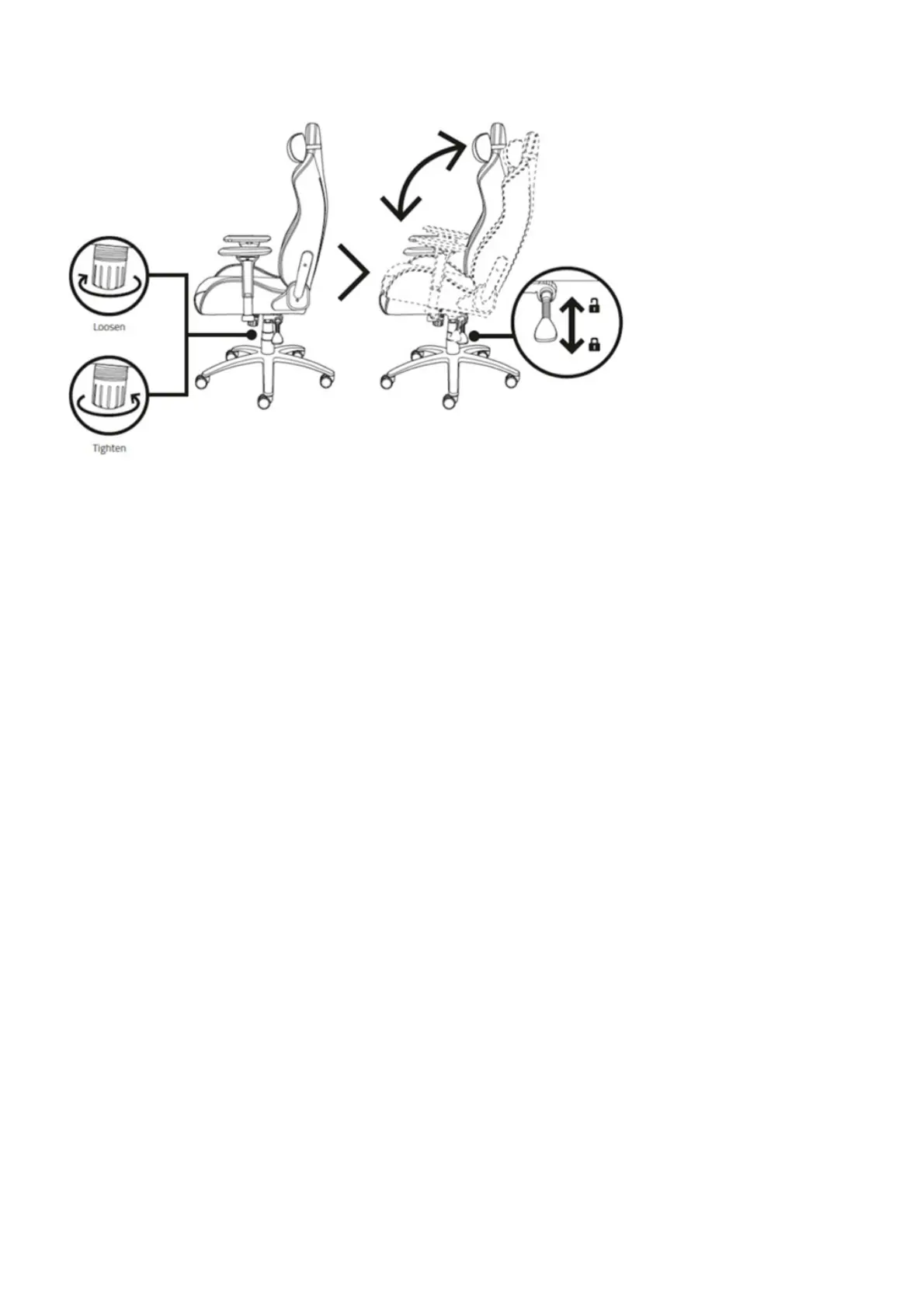
Note: If the seat tilts too easily or requires a lot of effort, adjust the tension knob. Turn clockwise to
loosen and counterclockwise to tighten.
Armrests adjustment – Razer Iskur’s 4D armrests allow a fully customizable positioning, helps match
the way you sit.
To adjust the height of the armrests do the following:
1. Push the armrests height adjustment button and raise or lower the armrests.
2. Release the button once the preferred position is achieved.



 To Next Page