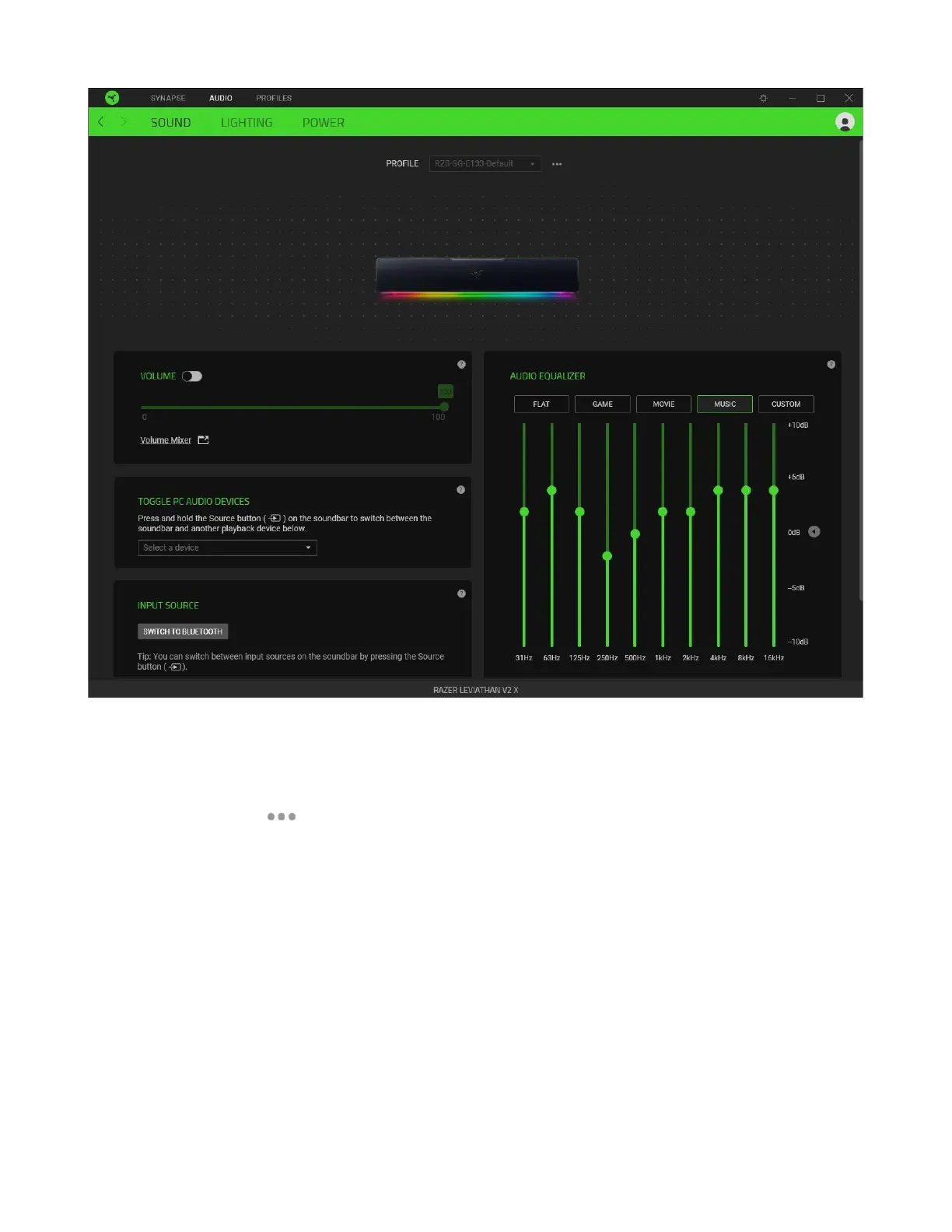
Profile
Profile is a data storage for keeping all your Razer peripheral's settings. By default, the profile name is
based on your system's name. To add, rename, duplicate, or delete a profile, simply press the
Miscellaneous button ( ).
Volume
Adjust the audio volume of the soundbar. You may also access the Windows volume mixer of the
current playback device, where you can proportionally adjust the overall volume of the system or
individually adjust the volume of each active application.
Toggle PC audio devices
Set a secondary playback device that you can immediately switch audio with when you press and hold
the Source button on the soundbar.
Input source
Allows you to set the soundbar to Bluetooth mode using Razer Synapse.



 To Next Page