7. USING THE SOUNDBAR
POWER BUTTON
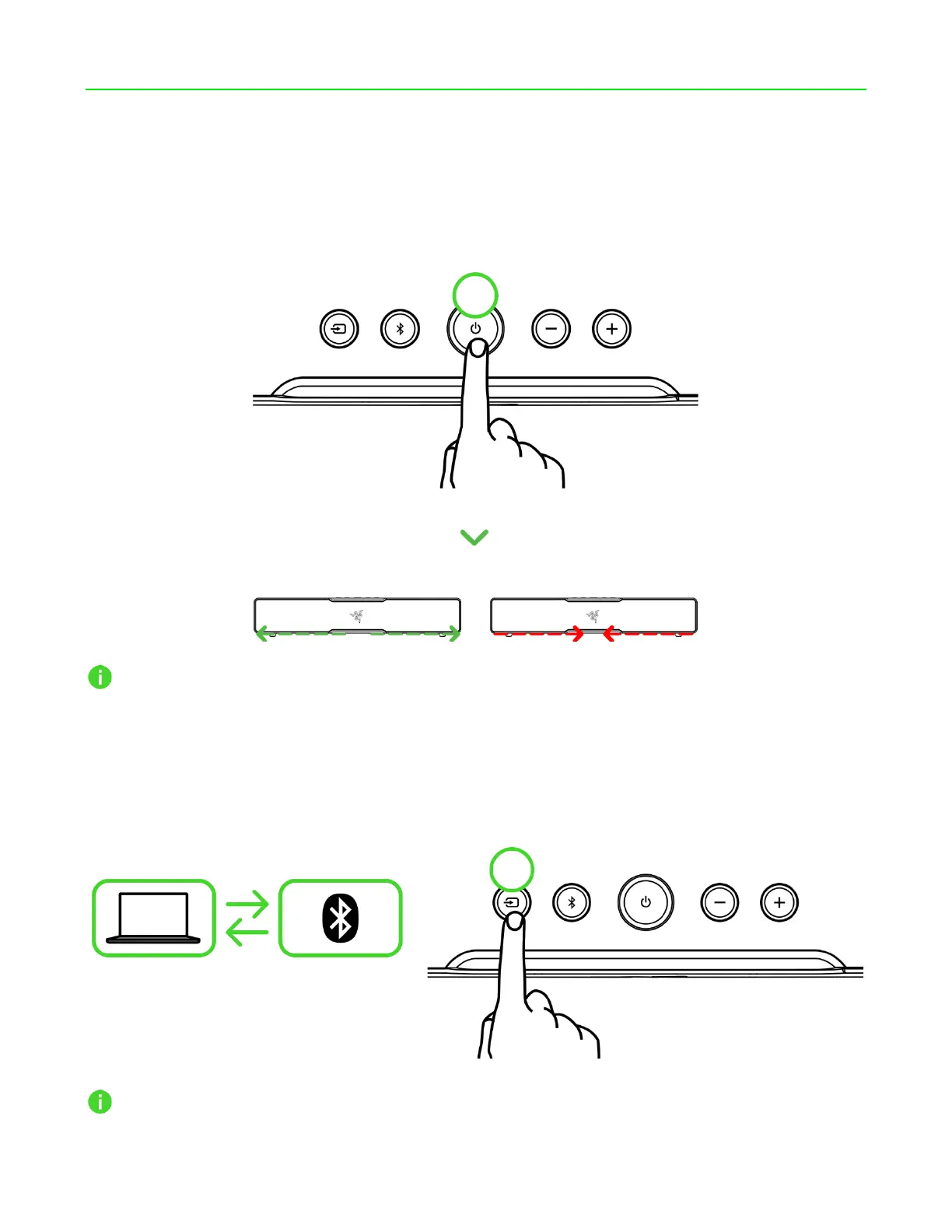
Press the Power button to power on or off the soundbar. The soundbar lighting will diverge in green
when powered on or converge in red when powered off.
The last audio source will be active when the soundbar is powered on.
SOURCE BUTTON
Switching between audio sources
While powered on, press the Source button to switch between PC mode and Bluetooth mode.
When switching to Bluetooth mode, soundbar lighting will briefly show solid blue when the
soundbar reconnects to your device; pairing mode will be activated when no devices are found.



 To Next Page