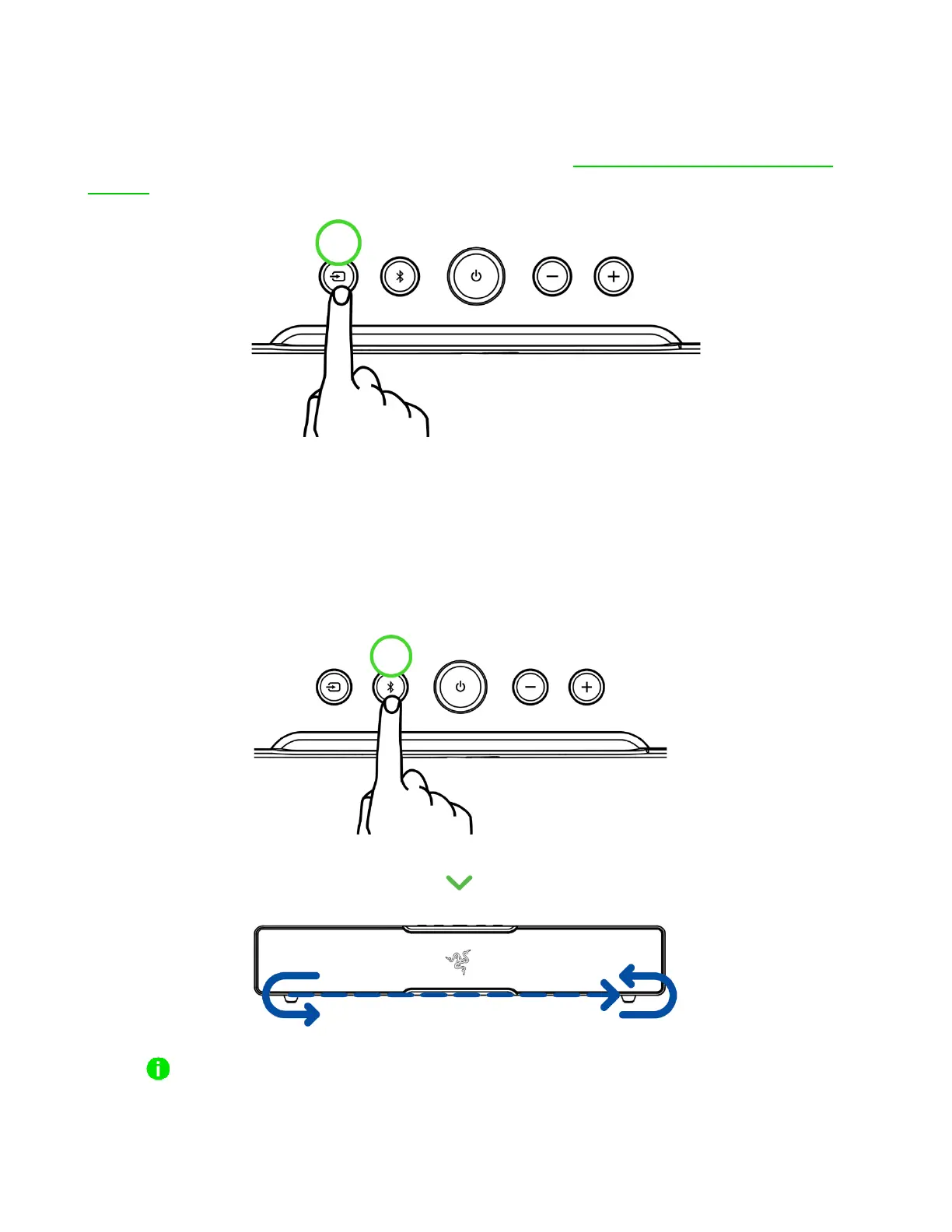
Toggling between PC audio devices (PC mode only)
While powered on and in PC mode, press and hold the Source button to switch between the soundbar
and a selected secondary PC playback device on Razer Synapse. Learn more about PC audio device
toggling
BLUETOOTH BUTTON
Reactivating Bluetooth pairing mode (for new devices)
1. While in Bluetooth mode, press and hold the Bluetooth button for 5 seconds to activate
pairing mode.
Bluetooth pairing mode can only be activated from Bluetooth mode.



 To Next Page