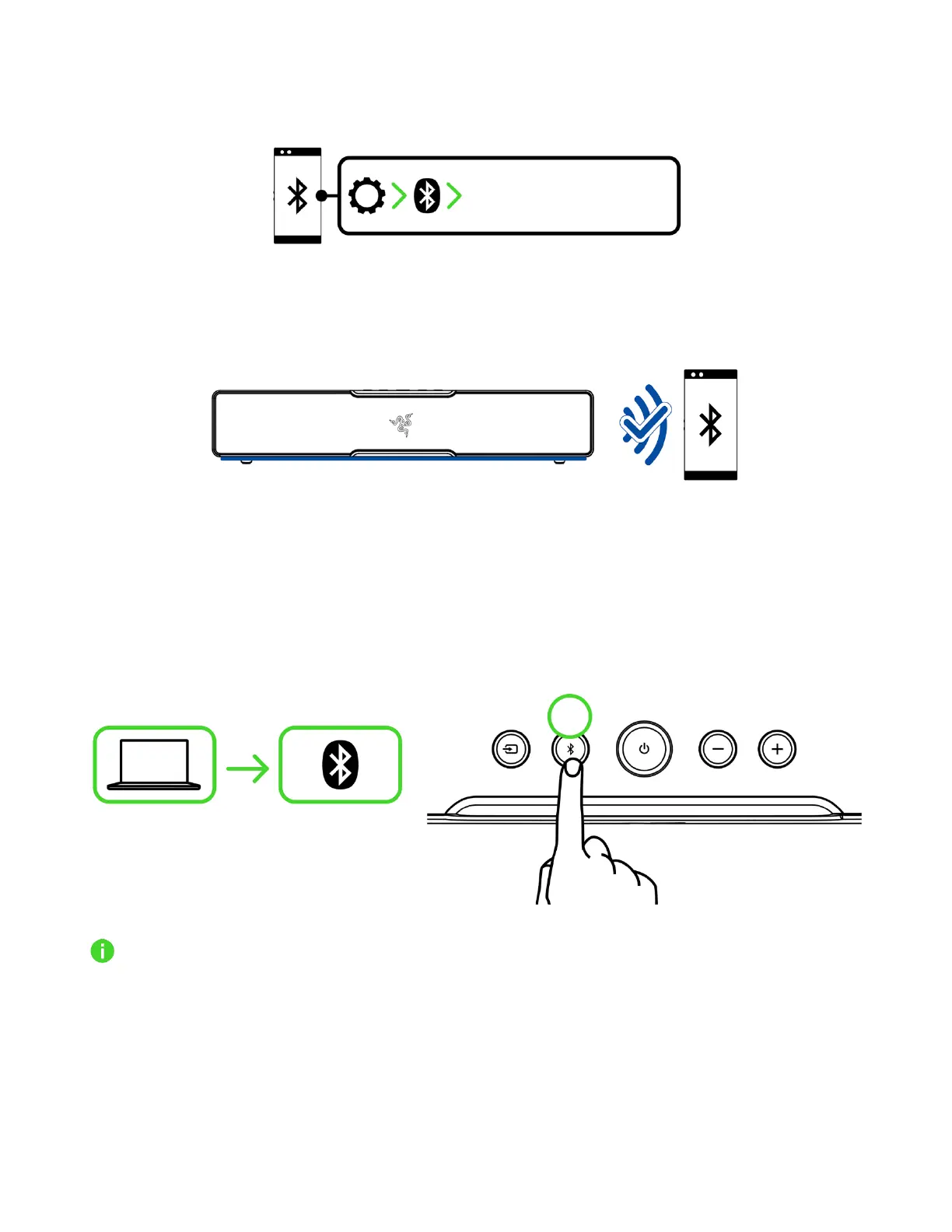
2. Activate Bluetooth on your device and select "Razer Leviathan V2 X (BT)" from the list of
devices found.
3. Wait until both devices are connected. The soundbar lighting will briefly show solid blue to
indicate that the soundbar is now connected to your device.
Switching to Bluetooth mode
When in PC mode, press the Bluetooth button to switch to Bluetooth mode and reconnect the
soundbar to the last known device. The soundbar lighting will briefly turn solid blue to indicate that
the soundbar is now connected to your device.
The soundbar will activate Bluetooth pairing mode when no device is found.



 To Next Page