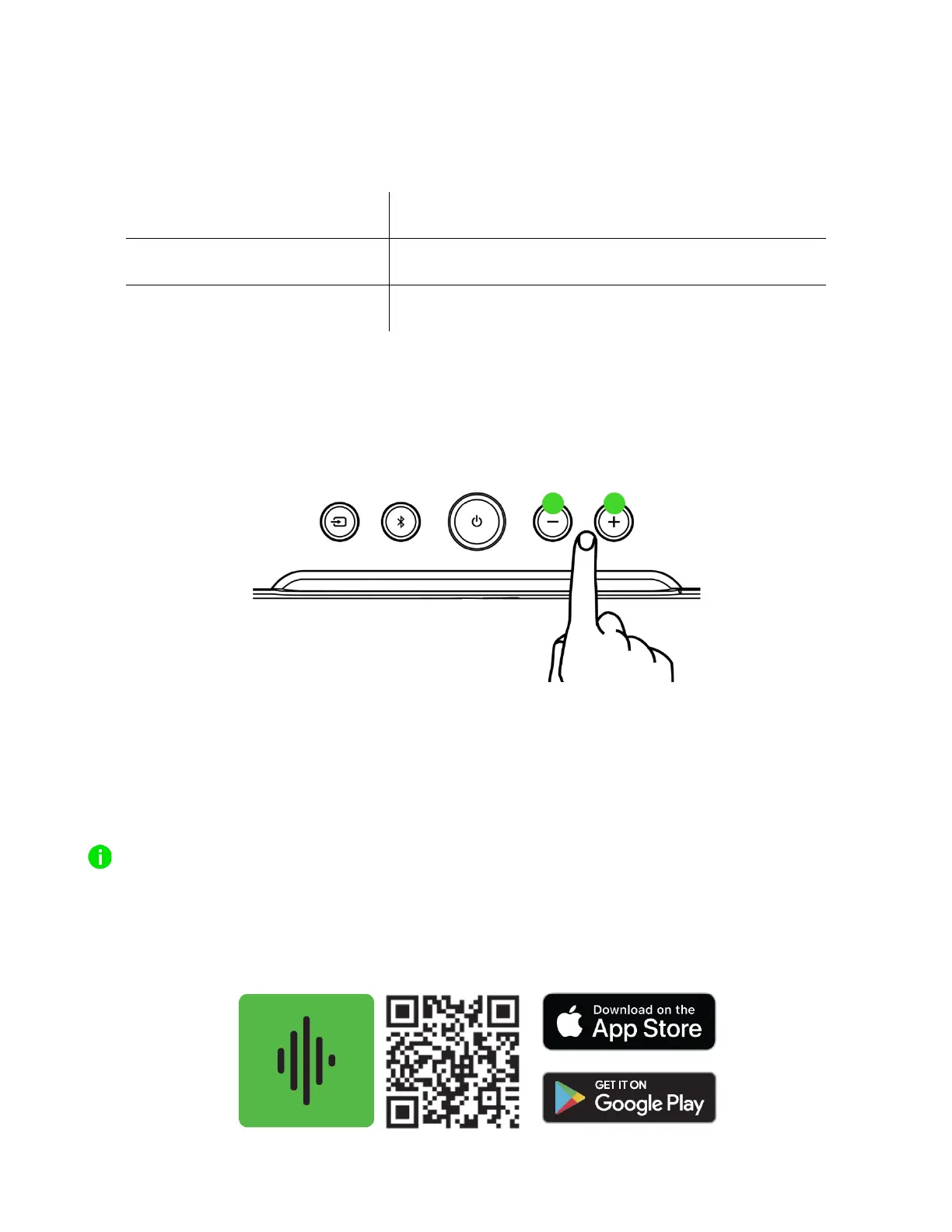
VOLUME CONTROL BUTTONS
Press the volume control buttons to adjust the volume of the current audio mode. The soundbar
lighting will briefly show the current volume level before diverging or converging as you increase or
decrease its volume.
PERSONALIZE YOUR EXPERIENCE
Razer Synapse (PC)
Use the Razer Synapse app to tweak the soundbar's RGB lighting and audio settings to best suit your
entertainment needs.
Only available on Windows® 10 64-bit (or higher).
Razer Audio app (Mobile)
Conveniently switch from your PC to your mobile devices, mute or adjust the soundbar's volume,
change its EQ settings using presets or your own setting, and much more via the Razer Audio app.



 To Next Page