EasyManua.ls Logo

Razer LEVIATHAN V2 X - Advanced Lighting Effect Options

Razer LEVIATHAN V2 X
28 pages
Print Icon
To Next Page IconTo Next Page
To Previous Page IconTo Previous Page
Loading...
FOR GAMERS. BY GAMERS .
18
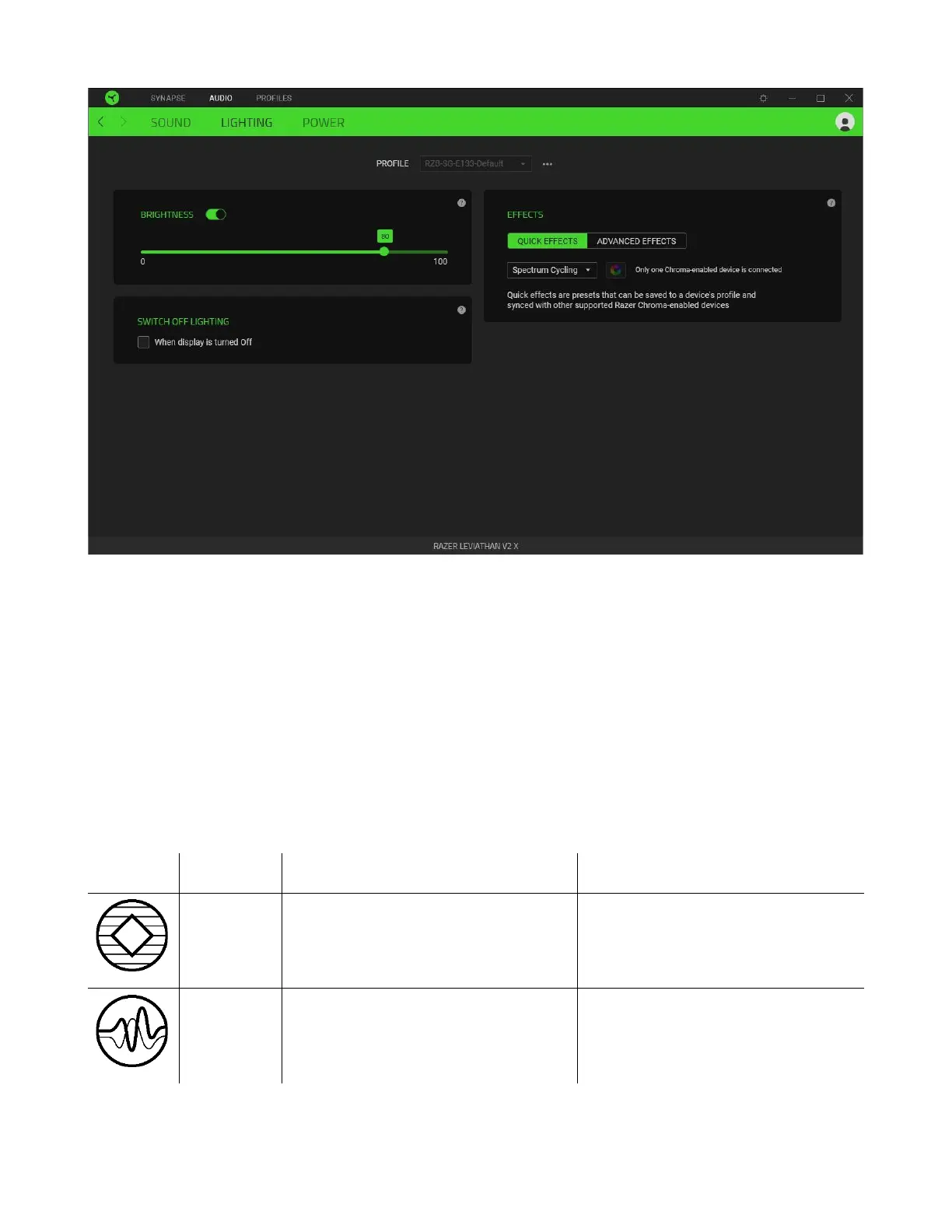
Brightness
You can turn off the soundbar lighting by toggling the Brightness option or increase/decrease the
luminance using the slider.
Switch Off Lighting
This power-saving tool allows you to disable soundbar lighting when your system's display is turned
off.
Quick Effects
Several quick effects can be selected and applied to your soundbar's lighting, as listed here:
Name
Description
How to set up
Ambient
awareness
The soundbar lighting will reflect the
averaged color on the selected
screen region
Select a screen region
Audio
meter
The LEDs will light up according to
the audio level with a default
spectrum of colors
Select a Color Boost level

Related product manuals