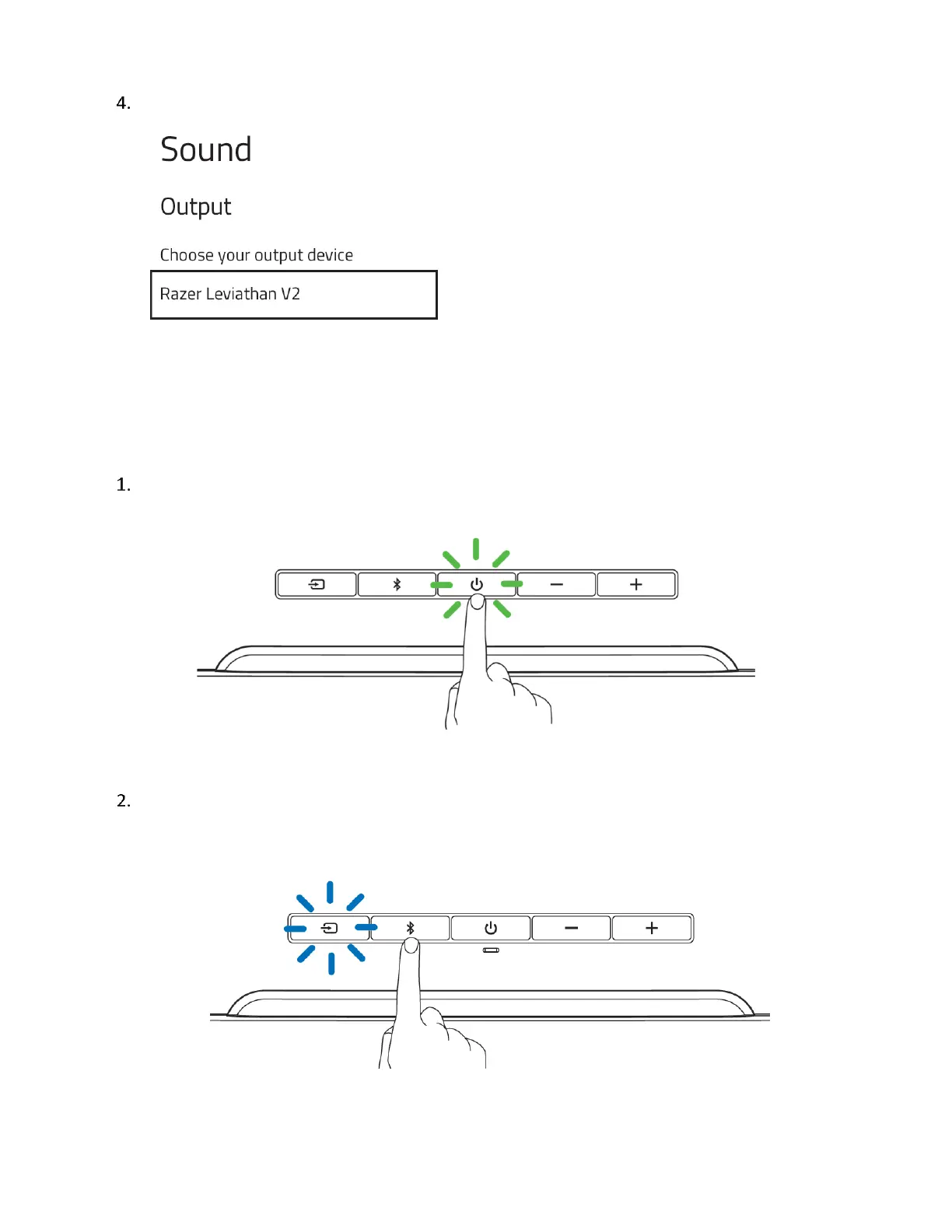
On the Sound window, set Razer Leviathan V2 as the default Output device.
The Razer Leviathan V2 is now ready for use in PC mode.
To other devices via Bluetooth mode
Press the Power button to turn on the soundbar. The Power button will light up to show that
the soundbar is on.
Press the Bluetooth button to switch to Bluetooth mode. The Source button will blink in blue
to indicate that the soundbar is in pairing mode.



 To Next Page