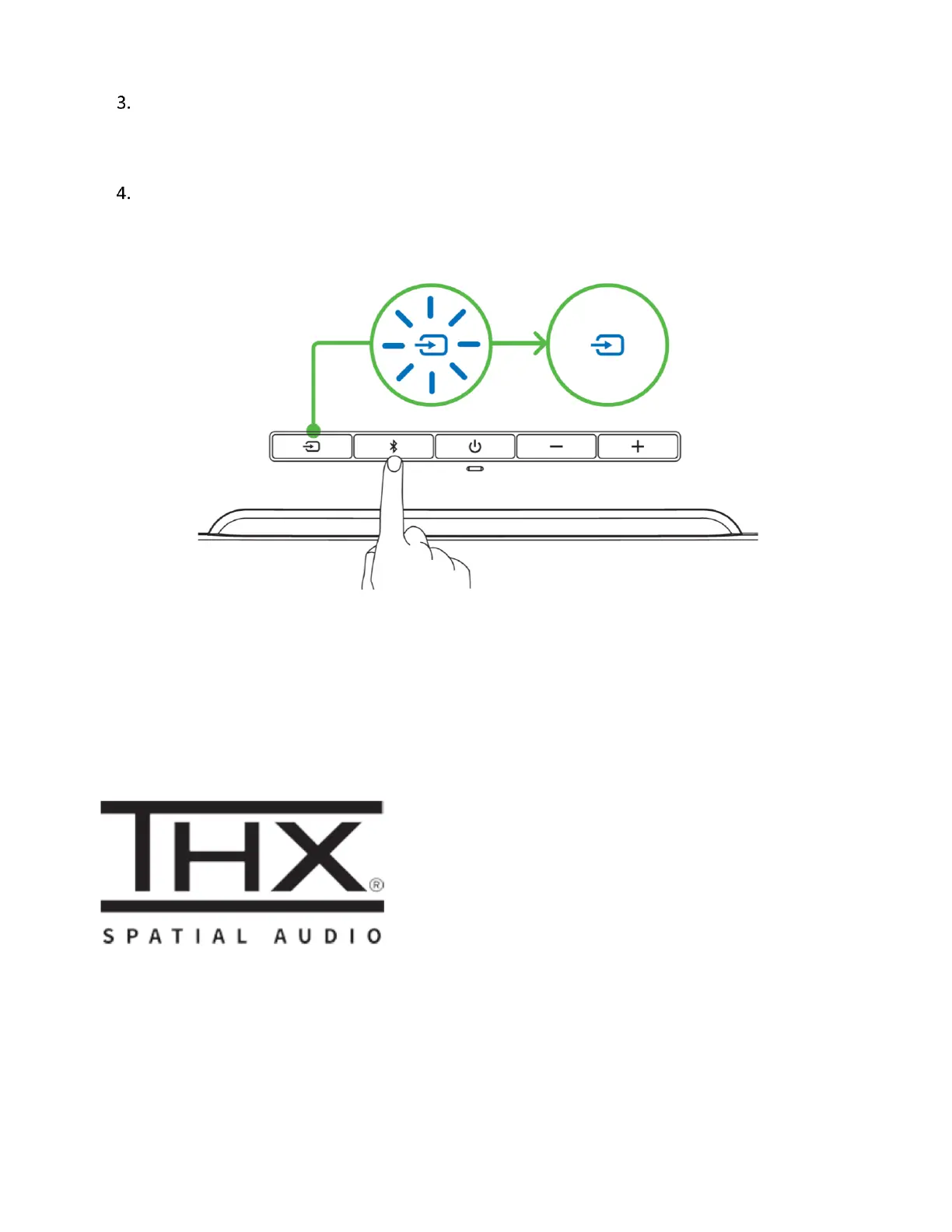
Activate Bluetooth on your device and select Razer Leviathan V2 from the list of devices
found.
Wait until both devices are connected. The Source button will change to static blue indicating
that the soundbar is now connected to your device.
The Razer Leviathan V2 is now ready for use in Bluetooth mode.
ACTIVATE THX® SPATIAL AUDIO*
Unleash the full potential of the Razer Leviathan V2 by enabling 360° positional audio for a natural
and lifelike experience through Razer Synapse.
*Only available on Windows 10 and above.



 To Next Page