11 | razer™
4. CONFIGURING YOUR NABU VIA THE UTILITY APP
Disclaimer: The features listed here require you to log in to Razer Synapse 2.0. These features are also subject
to change based on the current software version and your Operating System.
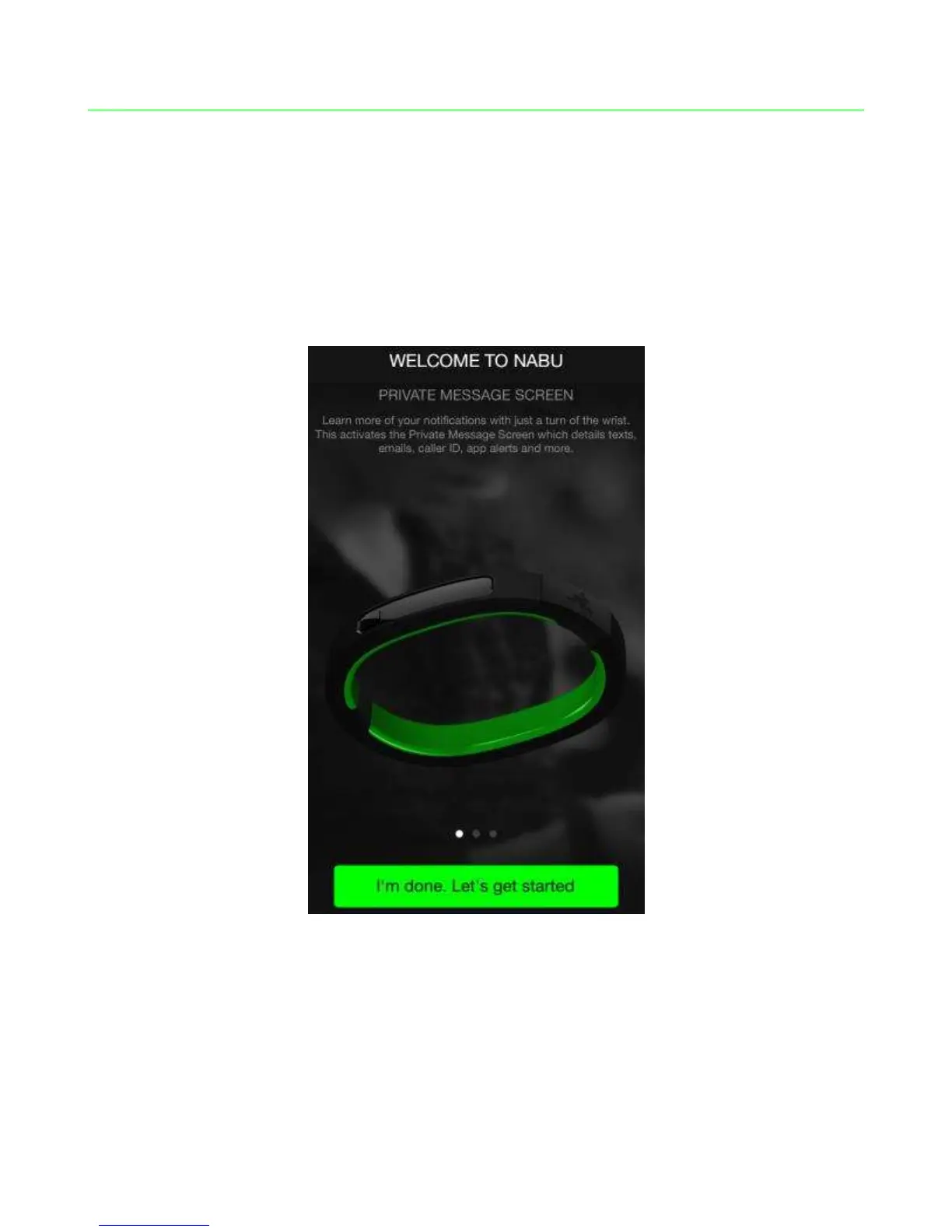
WELCOME SCREEN
The welcome screen highlights some of the features you will find on the Razer Nabu.
Once you are ready to setup your account, tap “I’M DONE. LET’S GET STARTED”.



 To Next Page