9 | razer™
SMARTBAND MODES
While the Razer Nabu is turned ON, it can be set to different modes depending on how
long the power button is pressed.
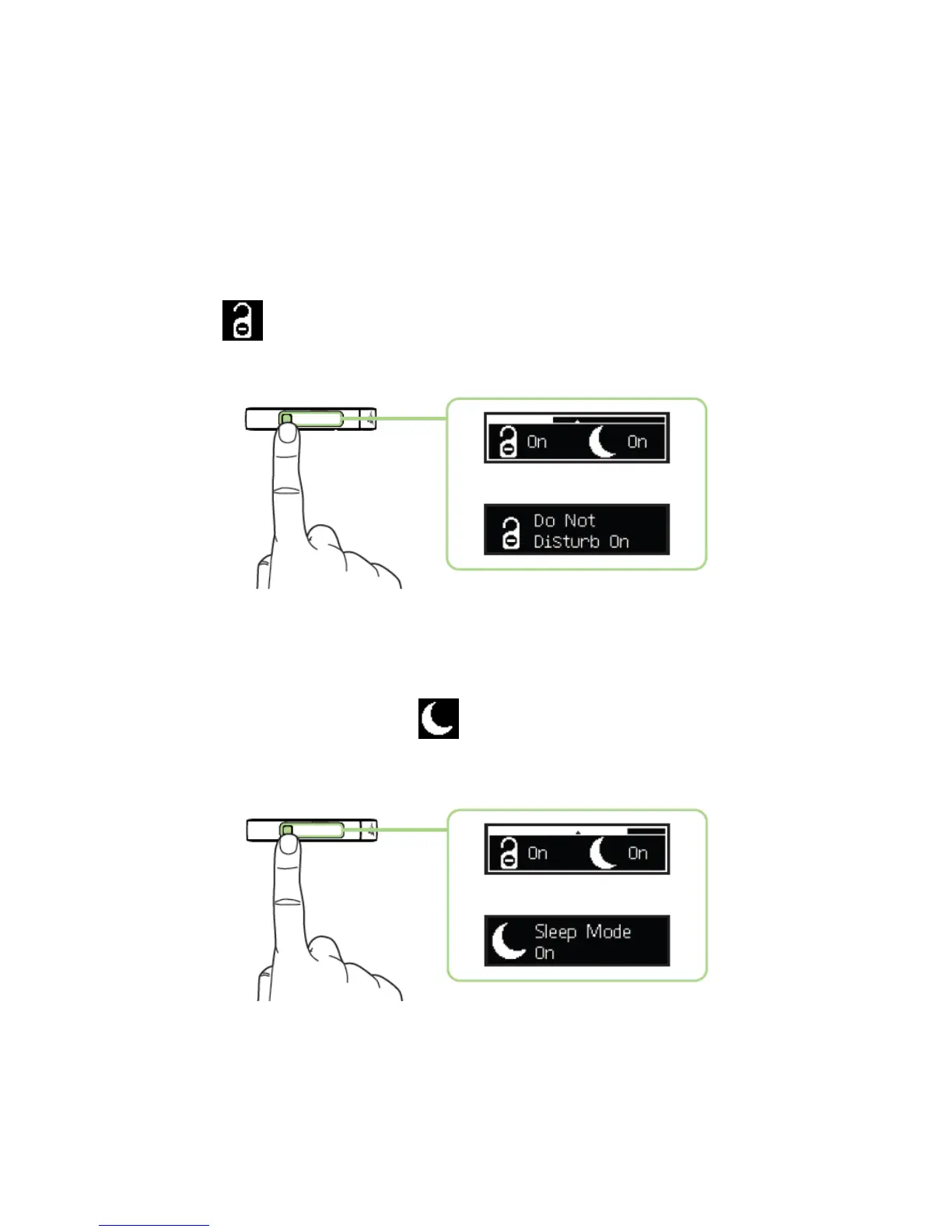
Do Not Disturb Mode
This mode will disable incoming notifications and band vibration. To activate this mode,
press and hold the power button for at least 3 seconds and release it once you see the
bar is on the icon. Deactivating Do Not Disturb Mode will resume incoming
notifications and band vibration.
Sleep Mode
This mode will disable notifications, disable band vibration, and start sleep tracking. To
activate this mode, press and hold the power button for at least 5 seconds and release
it once you see the bar is on the icon. Deactivating Sleep Mode will resume
incoming notifications, band vibration, and end sleep tracking.



 To Next Page