3. INSTALLATION / REGISTRATION / TECHNICAL SUPPORT
SOFTWARE INSTALLATION INSTRUCTIONS
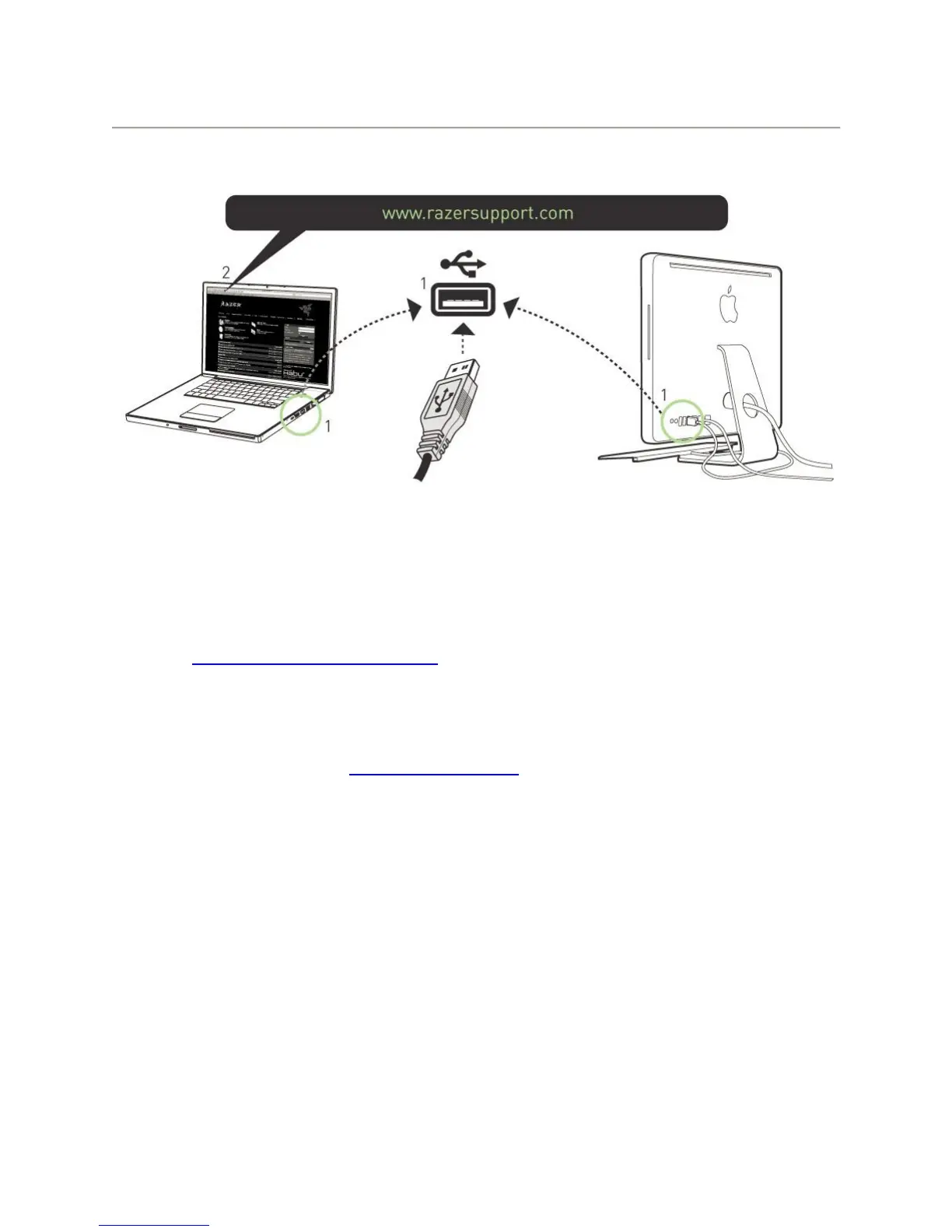
Step 1: Plug your Razer Nostromo into the USB port of your Mac.
Step 2: Download the driver installer from www.razersupport.com.
Step 3: Run the installer and follow the onscreen instructions.
REGISTRATION
Please visit www.razerzone.com/registration/ for online product registration.
TECHNICAL SUPPORT
What you’ll get:
• 1 year limited manufacturer’s warranty
• Free online technical support at www.razersupport.com.


 To Next Page