7 | razer
5. SETTING UP YOUR RAZER RIPSAW
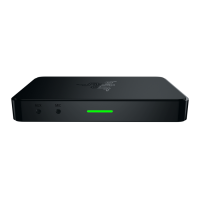
The Razer Ripsaw is simple to set up, and makes it easy to capture any video sent to its
input ports. Follow the instructions below based on your personal gaming set up.
Note: Some PCs may require additional hardware to work. If you need further assistance with your
setup, please visit the FAQ section at www.razersupport.com.
CONNECTING TO YOUR DESKTOP PC OR GAMING CONSOLE
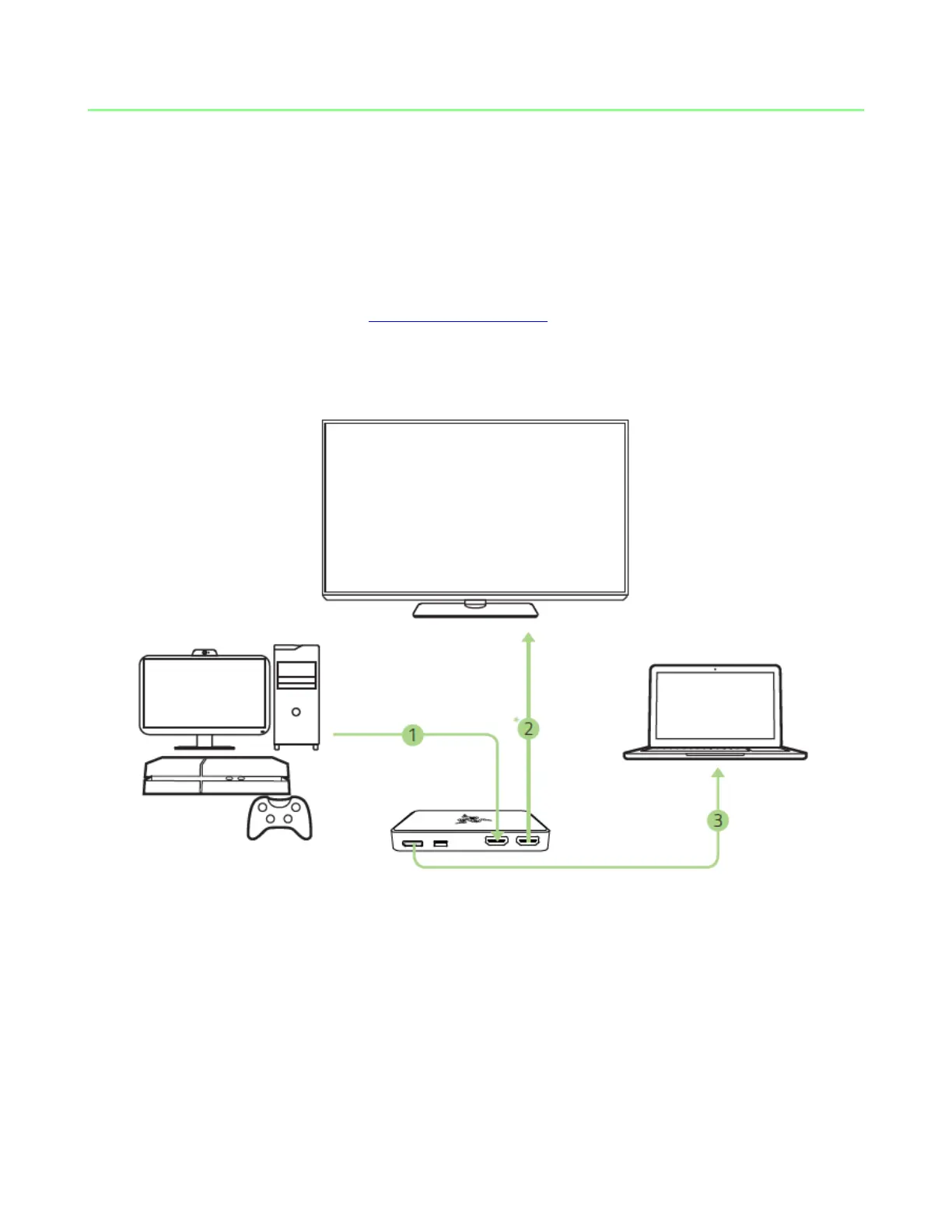
1. Plug the included HDMI cable from your PC or gaming console to Razer Ripsaw’s
HDMI input port.
2. Plug the HDMI cable* from your HDTV or monitor to the HDMI pass-through port.
3. Plug the USB 3.0 cable from Razer Ripsaw’s USB 3.0 port to your recording PC.
*not included


 To Next Page