11 | razer™
6. CONFIGURING YOUR RAZER SABERTOOTH
Note: Any changes made during configuration will be saved to the active profile.
CONFIGURING THE MULTI-FUNCTION TRIGGERS (MFT) AND BUTTONS (MFB)
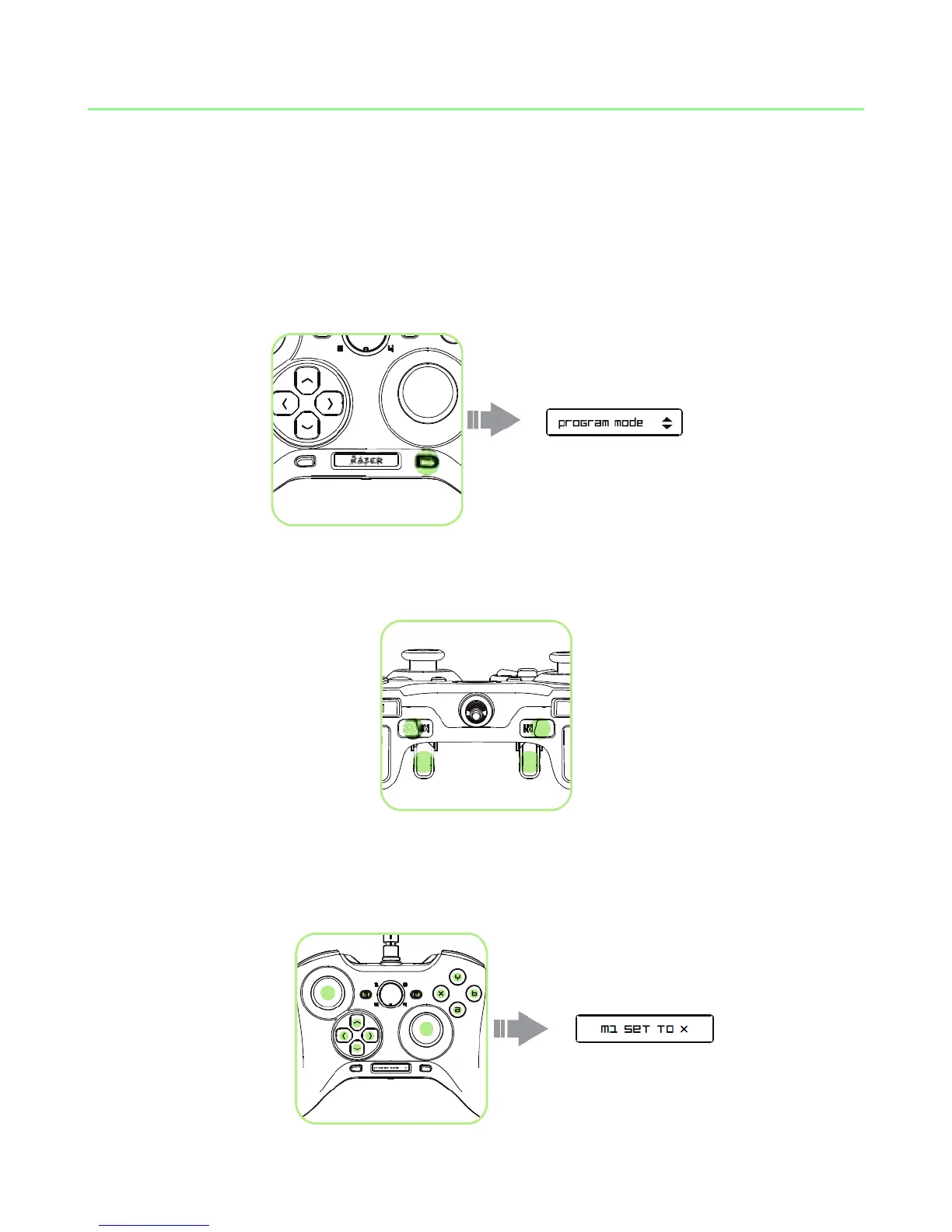
1. Press the Program Button to enter Program Mode.
2. Press and hold the MFB or MFT you wish to configure.
3. While holding on to the MFB or MFT, you can either:
A) Press any of these buttons to assign its function to the MFB or MFT.










 To Next Page