Profile
Profile is a data storage for keeping all your Razer peripheral's settings. By default, the profile name is
based on your system's name. To add, rename, duplicate, or delete a profile, simply press the
Miscellaneous button ( ).
Brightness
You can turn off your Razer device’s lighting by toggling the Brightness option or increase/decrease its
luminance using the slider.
Switch Off Lighting
Enable this power saving option to disable your device’s lighting in response to your system’s display
turning off.
Quick Effects
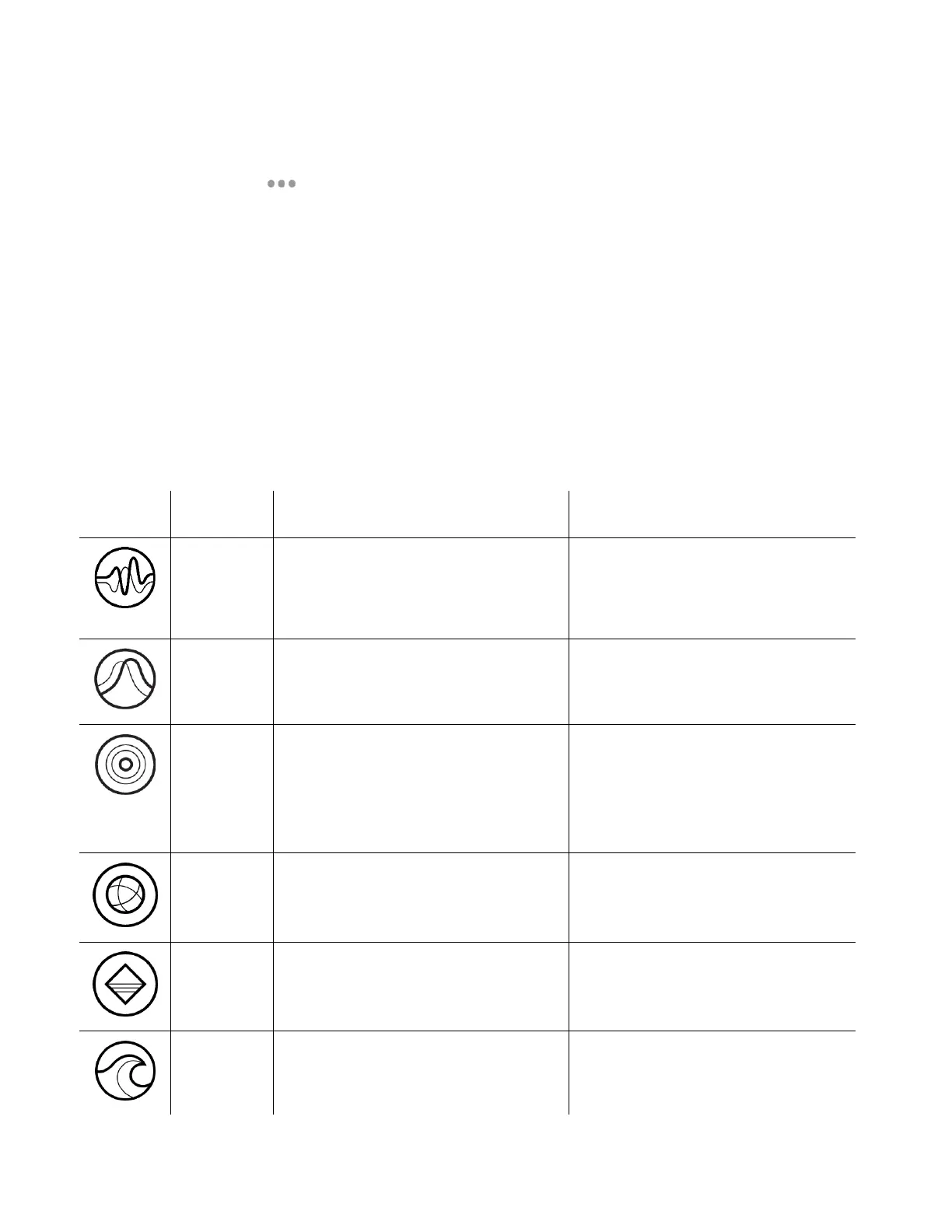
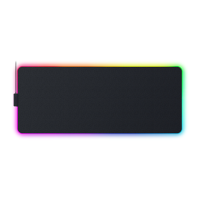
A number of quick effects can be selected and applied to your mouse mat’s lighting, as listed here:
The mouse mat will light up
according to the audio level with a
default spectrum of colors
Select a Color Boost level
The lighting will fade in and out of
the selected color(s)
Select up to 2 colors or randomize
colors
The mouse mat will light up when
you use a compatible Razer mouse’s
scroll wheel or click any of its
buttons
Select a color and a duration
The lighting will cycle between 16.8
million colors indefinitely
No further customization required
The mouse mat will remain lit in the
selected color
The lighting will scroll in the
direction selected
Select either clockwise or counter-
clockwise wave direction


 To Next Page