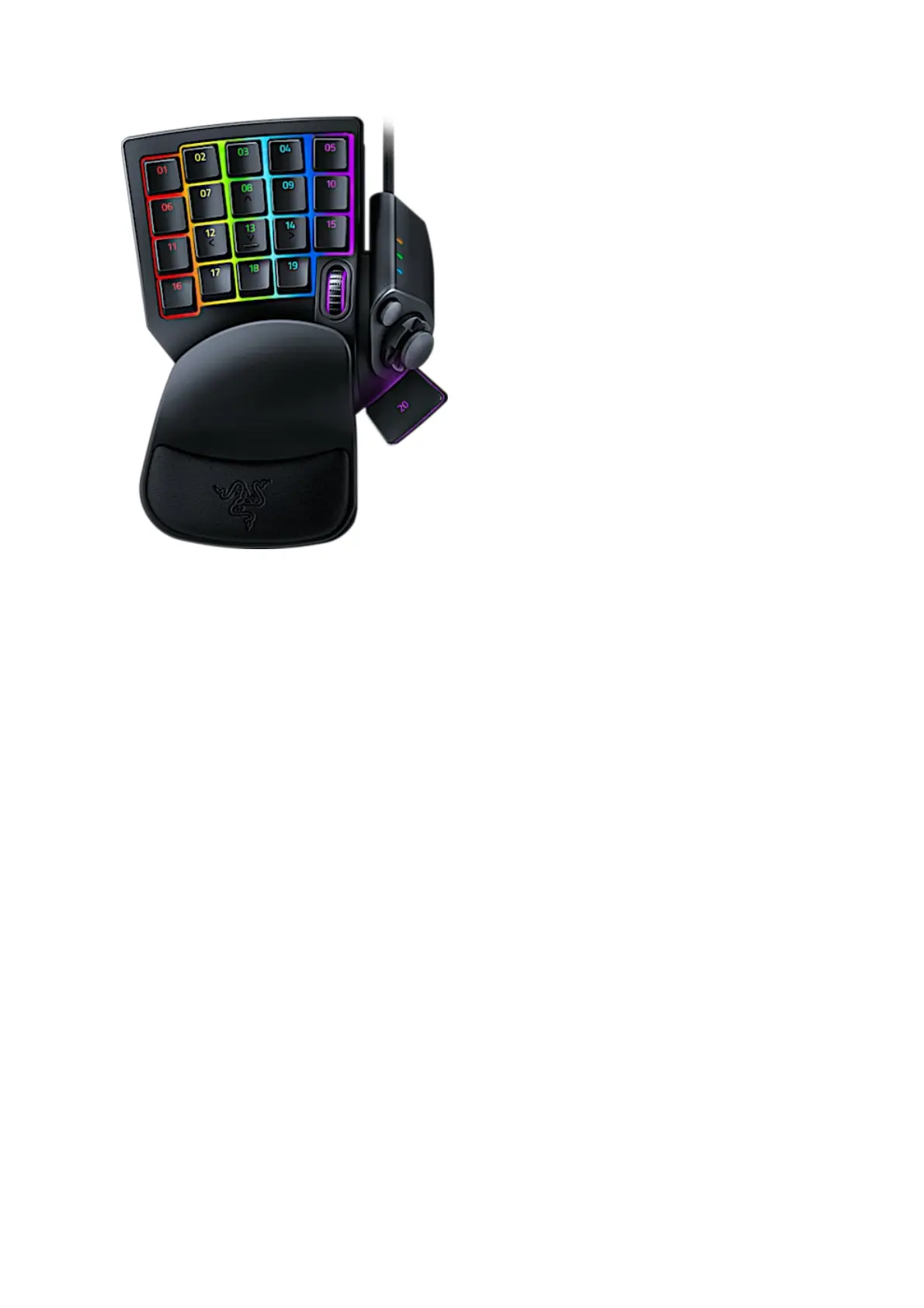
Razer Tartarus Pro Support
Common Questions
What is the difference between Adjustable Actuation and Dual-Function keys on
the Tartarus Pro?
Adjustable actuation refers to how you want the keypad to act based on the keystrokes. This feature
allows you to adjust the actuation whether you prefer it to function on just light taps or on full, solid
keystrokes.
Dual-Function keys, on the other hand, allows you to bind two functions on a single key, one that
triggers on a partial or light keystroke, and another on a full or solid keystroke.
Can I use directional buttons instead of the thumbstick?
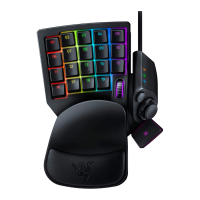
Yes. You have to simply remove the thumb stick from the thumb pad if you prefer to use directional
buttons.
How many keymaps and profiles can I save for my Razer Tartarus Pro?
You can save unlimited gaming profiles for your Razer Tartarus Pro; also, there are up to eight (8)
keymaps per profile available. You can switch between them on-the-fly during gameplay without
accessing the driver software. The keymap LED indicator will light up to show which keymap is
currently active.
Can I adjust the palm rest on the Razer Tartarus Pro?
Yes, the palm rest on the Razer Tartarus Pro can be adjusted according to your preference to improve
overall gaming comfort.
Does the Razer Tartarus Pro feature Razer Chroma RGB?
Yes, the Tartarus Pro has Razer Chroma customizable backlighting with 16.8 million color options.
What games will work with the Razer Tartarus Pro?







 To Next Page