1. WHAT'S INSIDE
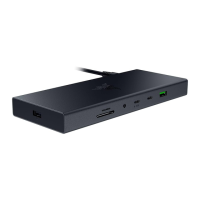
▪ Razer USB 4 Dock
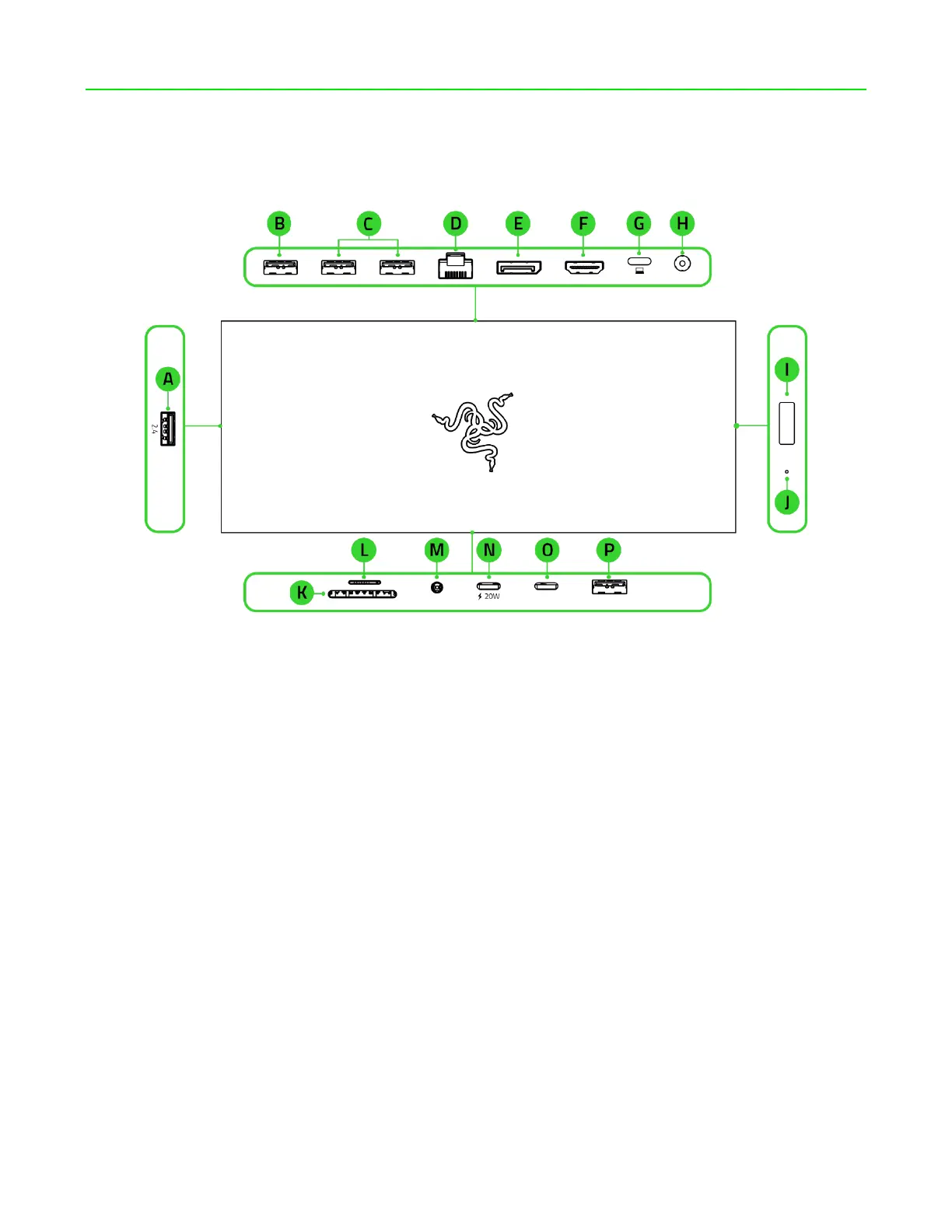
A. USB 2.0 Type A port*
B. USB 3.2 Gen 1 Type A port
C. 2 x USB 3.2 Gen 2 Type A ports
D. Gigabit Ethernet (RJ-45) port
E. DP 1.4**
F. HDMI 2.1 port **
G. USB 4 Type C port (upstream)
†
H. Power port
I. Power button
J. Indicator LED
K. UHS-II SD card slot
L. UHS-II MicroSD card slot
M. 3.5 mm audio combo jack
N. USB 3.2 Gen 2 Type C Power
Delivery (PD) port (downstream)
††
O. USB 3.2 Gen 2 Type C port
(downstream)
P. USB 3.2 Gen 2 Type A port
†††
*Recommended for wireless device dongle (not included) connection.
**Supports single display up to 4K @ 120Hz and dual displays up to 4K @ 60Hz. Resolution
may vary depending on the specification of your system and external display(s).
†
Offers Power Delivery 3.0 charging up to 100W.
††
Supports Power Delivery (PD) charging up to 20W.
†††
Capable of charging mobile devices using Battery Charging 1.2.


 To Next Page