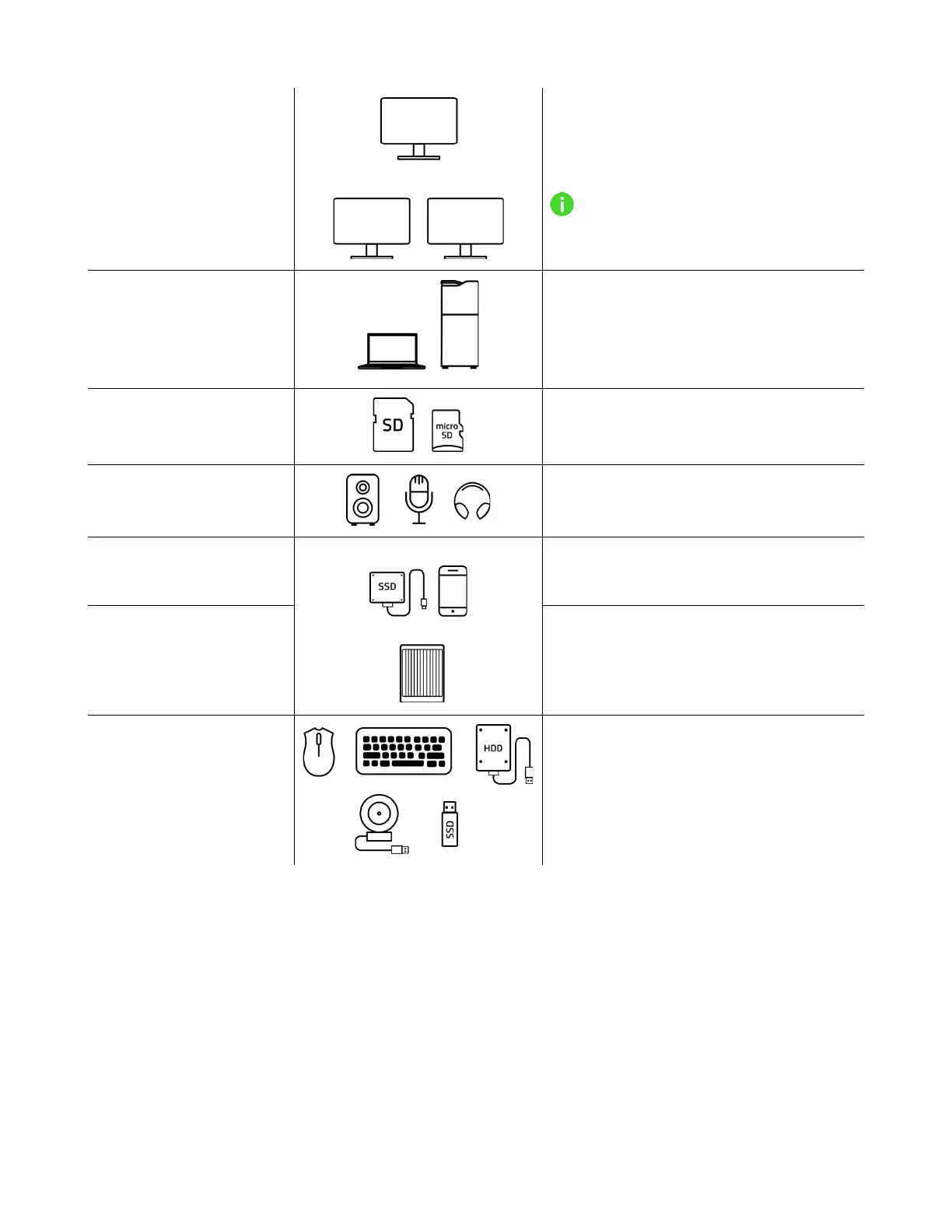
Set up a single display up to 4K @
120Hz or go for dual displays with up to
4K @ 60Hz (each)
Resolution may vary depending on
your display(s) and system’s
specifications.
USB 4 Type C port
(upstream)
Connect to a USB 4 Type C host
device/computer that supports USB
Power Delivery (PD, up to 100W for
charging devices)
UHS-II SD and MicroSD
card slots
Insert an SD or MicroSD card to copy
files to and from your device
For an audio speaker or a microphone;
or a headphone
USB 3.2 Type Gen 2
Power Delivery (PD) port
For USB Type C devices and PD-
supported charging up to 20W
For a USB Type C device that supports
data transfer of up to 10 Gb/s and 1.5A
power output
For USB Type A devices that support
data transfer of up to 10 Gb/s or
charging devices


 To Next Page