13 | razer™
7. USING YOUR RAZER WILDCAT
SELECTING A PROFILE
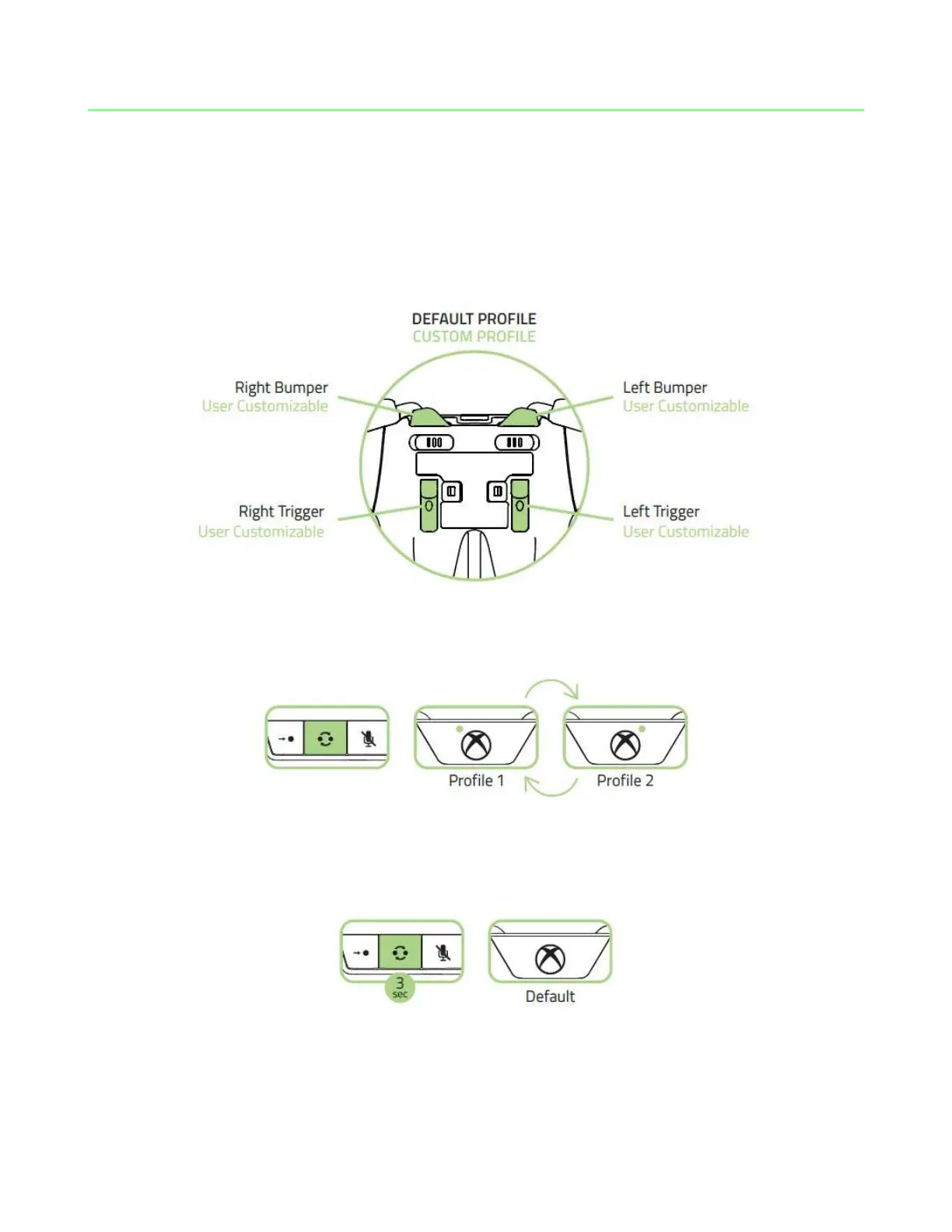
The Razer Wildcat has a default profile and 2 custom profiles which you can use to
customize the Multi-Function Bumpers and Triggers.
Pressing the Profile button will cycle the profiles to Profile 1 and Profile 2.
To return to default, press and hold the Profile button for at least 3 seconds until the
profile indicators are both unlit.










 To Next Page