10
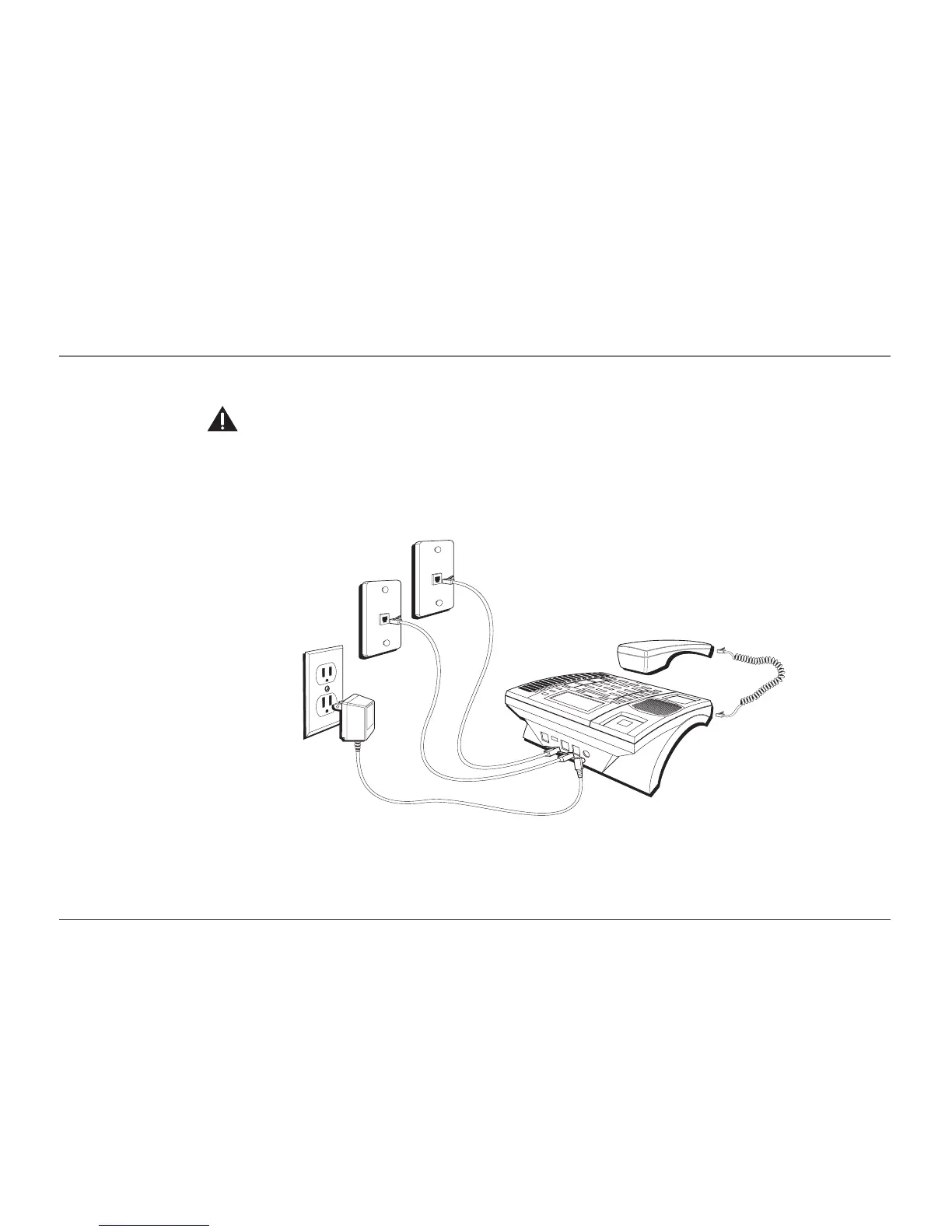
3. Plug the AC power supply cord into an electrical outlet and the DC connector into the back of the base.
CAUTION: Use only the ATLINKS USA 5-2495 power supply that is compatible with this unit. Using other power supplies may
damage the unit.
4. Connect the telephone line cords:
If you have two dual line wall jacks installed in your home/office, plug one end of the straight telephone line
cord tagged as "LINE 1+2" into the jack marked LINE 1 + 2 and one end of the other straight line cord into the
other jack on the back of the base. Plug the other end of each line cord into the dual-line wall jacks.
Connections & Setup
LINE 1 + 2
LINE 3 + 4



 To Next Page