11
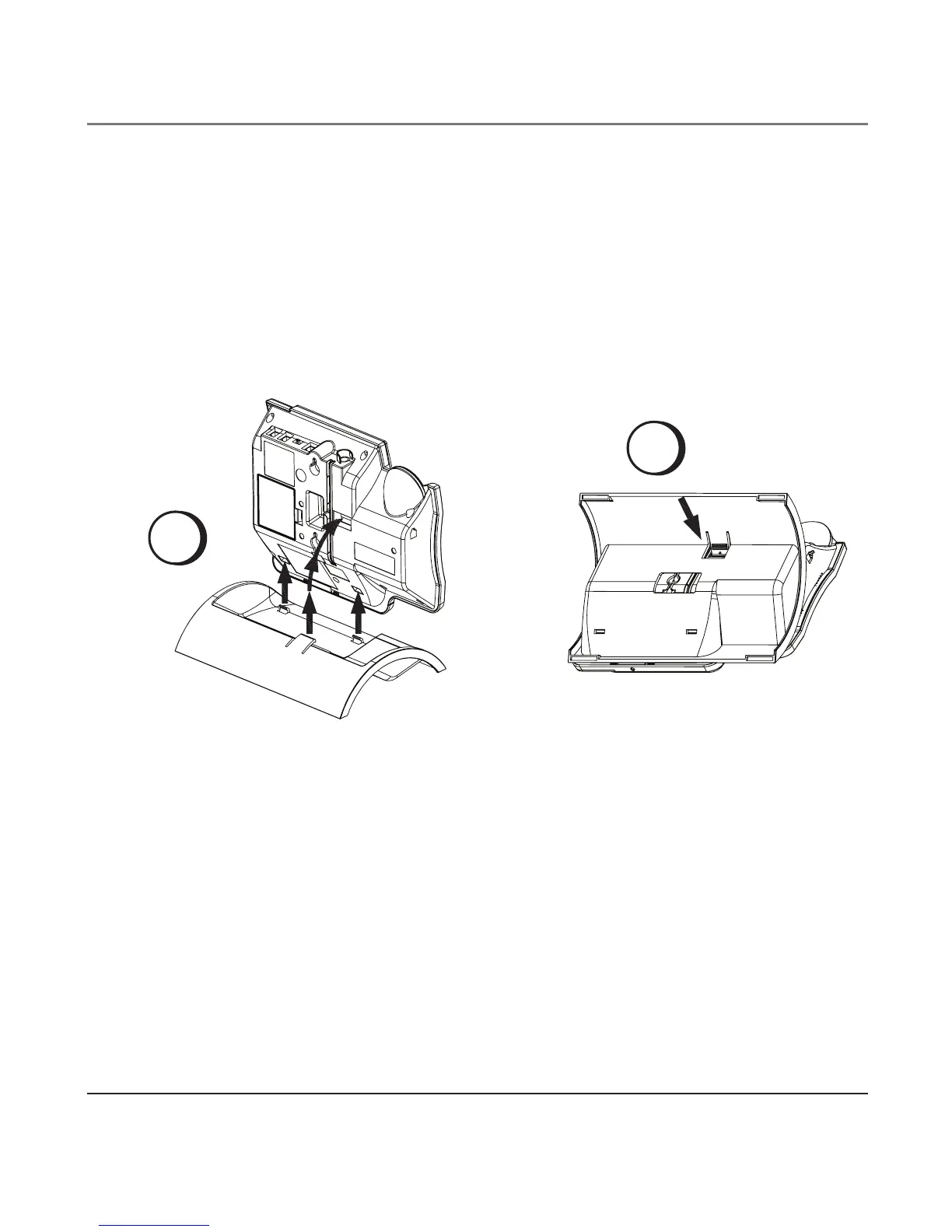
Attaching the Desktop Pedestal
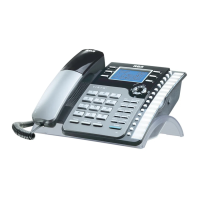
1. Turn the phone over so that the bottom of the base is facing up and the end with
data port and line jacks is pointing away from you.
2. Turn the desktop pedestal so that the side with four rectangle rubber feet is facing
you.
3. Insert the tabs on the pedestal into the two lower slots on the bottom of the base,
then push the pedestal downward until the tabs on the top of the pedestal snap (lock)
into place.
Connections and Setup
Data Port
This phone has a DATA PORT jack to connect an auxiliary phone device, such as a fax
machine, computer modem, answering machine, or even a cordless phone.
The DATA PORT switch on the back of the phone controls the DATA PORT jack so you can
choose line 1 or line 2.
A
B


 To Next Page