24
Recording
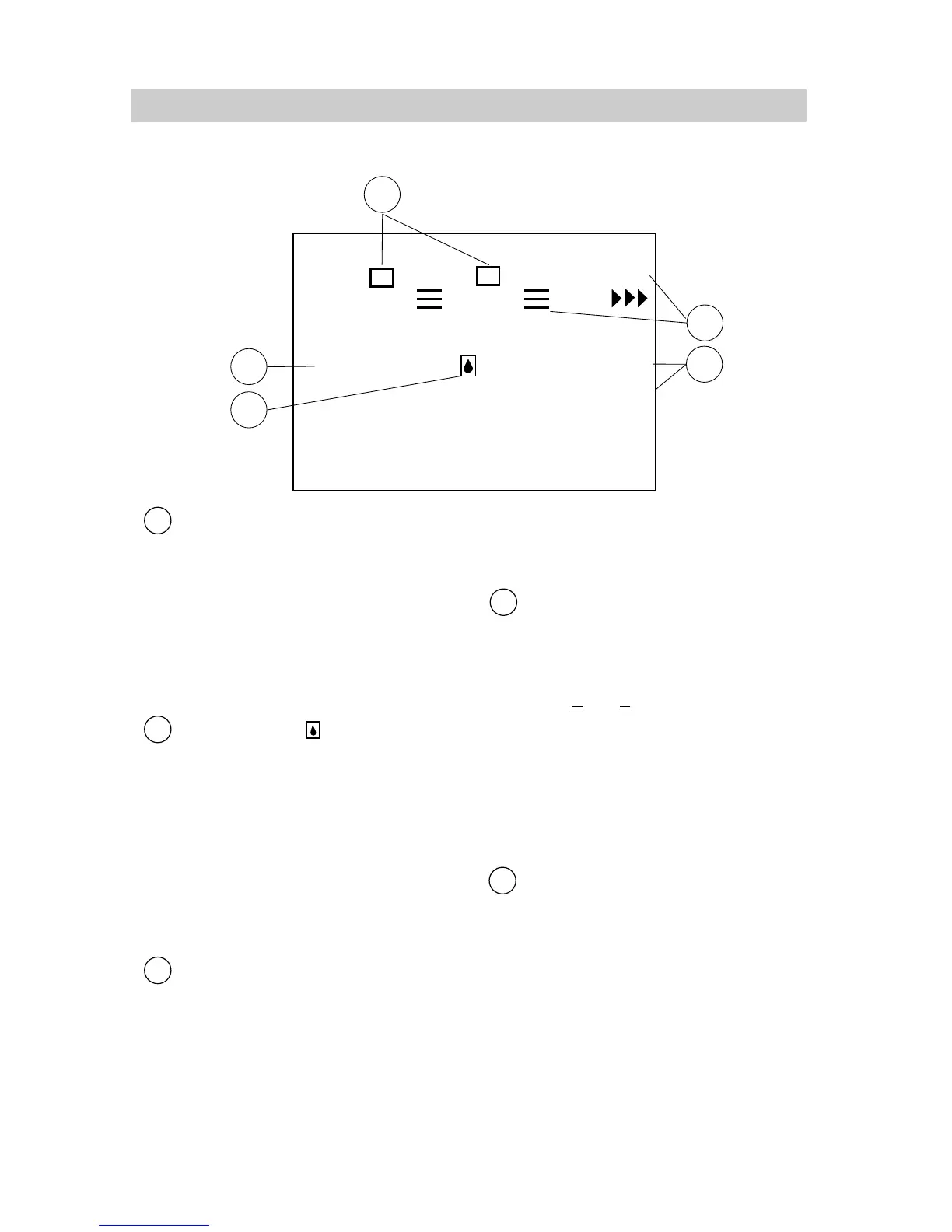
White Balance
• The indicator for the manual white
balance selected with the
MAN.W.BAL (manual white
balance) button appears here.
• No indicator appears for automatic
white balance.
• Details are on page 30.
Dew Warning ( )
The dew indicator appears when
excessive moisture (condensation)
has entered the camcorder. The
camcorder will not operate when
this indicator appears. Place the
camcorder in a warm, dry area until
this indicator disappears. When the
dew indicator disappears, the
camcorder will operate.
MODE Features (F1 and F2)
•The scene select AE dial may not
be in AUTO to use these features.
• The F1 and F2 features selected
with the MODE button appear here.
• Details are on page 31.
Status Displays
•The RECEEEindicator appears
here when the camcorder is
recording.
• The indicator appears
when the camcorder is in record
pause.
• TAPE END appears when the end
of the tape is reached during
recording or a cassette is inserted
with its tape already at the end.
INDEX and FADE
• INDEX flashes when an index mark
is being recorded. Details are on
page 25.
• FADE appears when you select
fade and flashes when fading is
activated. Details are on page 32.
Viewfinder Displays (continued)
REC
PAUSE
FADE
16X9
F1
F2
MWB
INDEX
14
15
16
17
13
FADE



 To Next Page