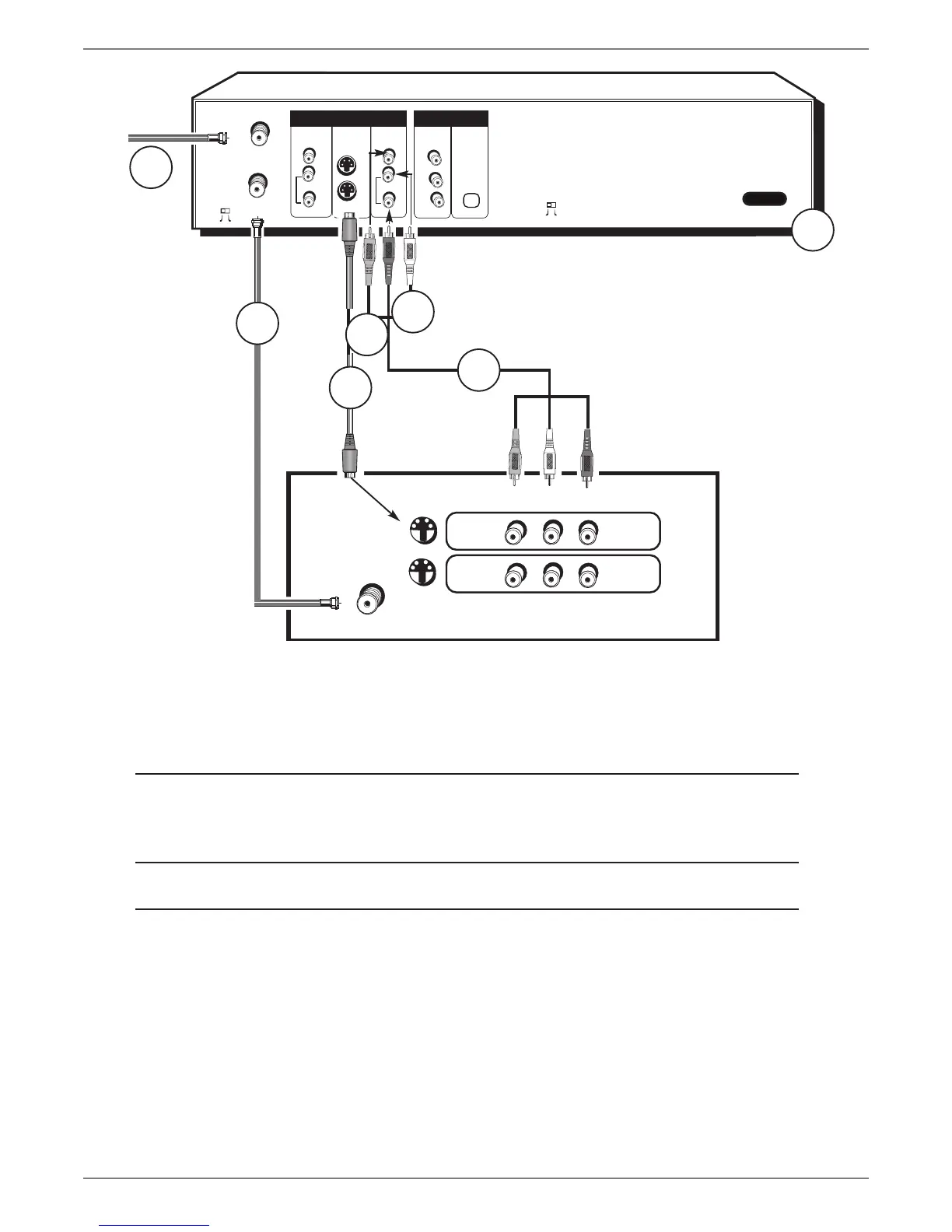
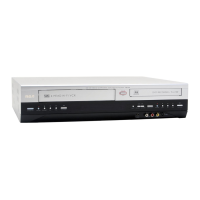
In from cable
or antenna
DVD/VCR
TV
The back of your TV might look
different than the one pictured here.
To watch one program while
you record another:
Tune the TV to its Input 1 channel or Vid 1 channel
Tune the DVD/VCR to the channel you want to record, and press RECORD.
Use the buttons on the TV (or the TV’s remote control*) to tune the TV to the channel you
want to watch.
To play a disc or tape:
Tune the TV to its Input 1 channel or Vid 1 channel.
If you need help nding your TV’s various Video Input Channels, go to page 18.
* The remote control packed with your DVD/VCR is capable of being programmed to operate many brands and models
of TVs and VCRs. For instructions, go to page 21. If the remote operates your TV, press TV and INPUT to access the Video
Input Channel.
Details about the different kinds of cables used to connect your DVD/VCR are on page 4.



 To Next Page