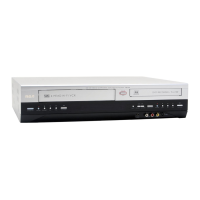
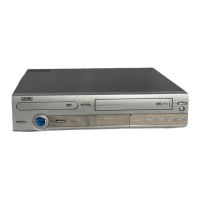
Graphics contained within this publication are for representation only.
3
Chapter 1: Connections and Setup
Choose Your Connection
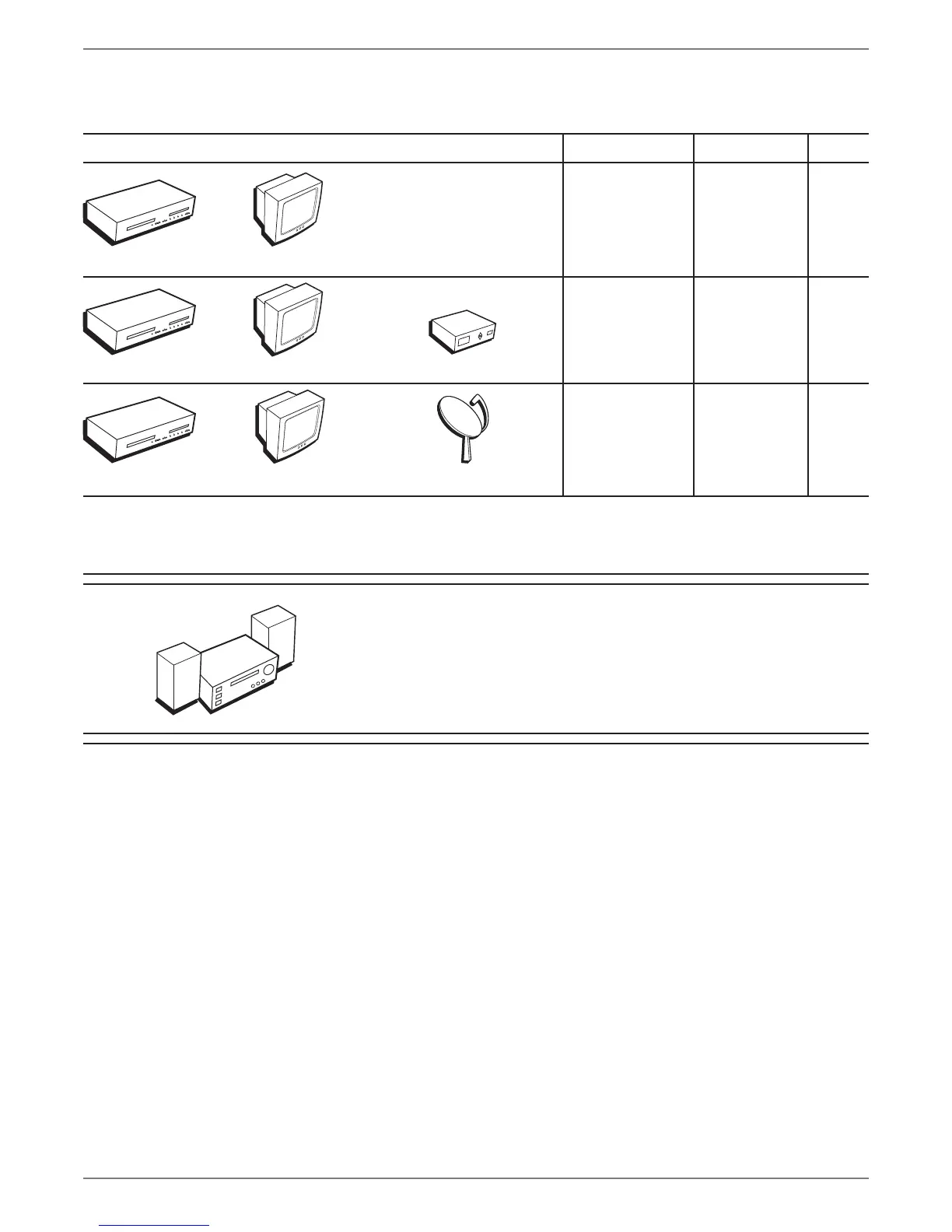
There are several ways to connect your DVD/VCR. Please use the following chart to determine which connection is best for you. Turn to the appropriate page for specic
instructions.
To achieve enhanced picture quality, use an S-Video
Cable (optional) to connect your DVD/VCR to your TV
if your TV has an S-Video jack available.
Connecting an optional audio receiver:
After you connect the DVD/VCR to your TV
(choose an option above), go to page 14 for general
information about connecting an audio/video
receiver.
• Coaxial
• Audio/video
• S-Video
Components Cables Needed Connection Go to
Satellite Receiver
TVDVD/VCR



 To Next Page